
Text widgets#
Overview#
Text widgets are used to display custom text on a dashboard.
Related topics
Input and preview#
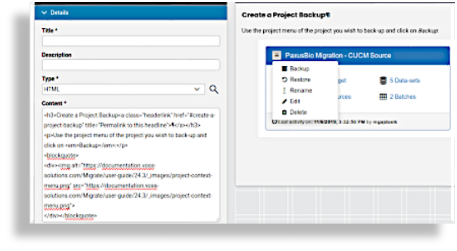
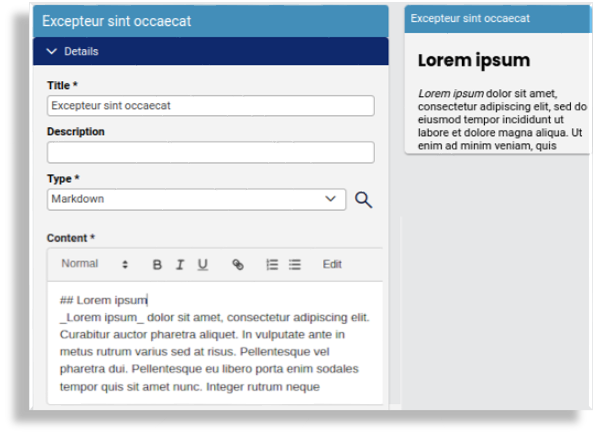
Text widgets are flexible and can be styled using either HTML or Markdown formats. Use the Preview option to see how your formatted text will appear in the Content input box before saving.
The image shows an example of a text widget with HTML input:
The image shows an example of a text widget with markdown input:
Conditional display#
You can use a system macro to set a condition that controls whether a text widget appears on a dashboard. This condition must evaluate to either True or False, based on features, services, and devices enabled in the Global Settings. See for example the macros listed in Links widgets.
Use cases for text widgets#
Text widgets are ideal for:
Adding headings or section labels
Displaying instructions or notes
Highlighting important information
The image shows the design phase for a text widget:
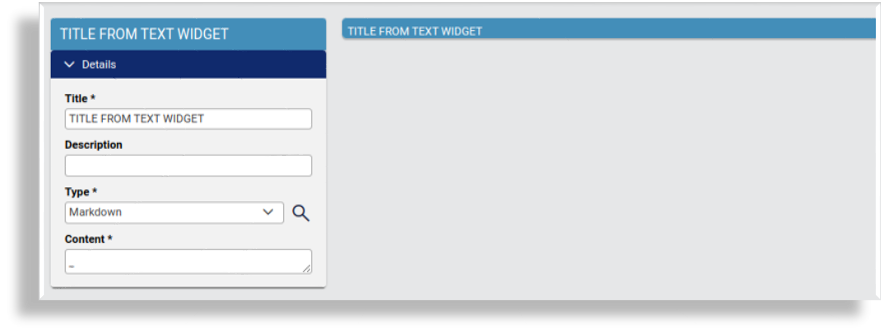
The image shows the display once you save your design:
