
Agent Installation#
When installing the Voss-Forwarder package to the agent host, a number of failsafe options built in to assist you with the correct installation. These are also highlighted below.
The first step is to move the installation file to the host. (Use SCP, Filezilla, etc.)
The current file is named: voss-insights-forwarder-1.0.deb
At the host prompt, run:
sudo apt install ./voss-insights-forwarder-1.0.deb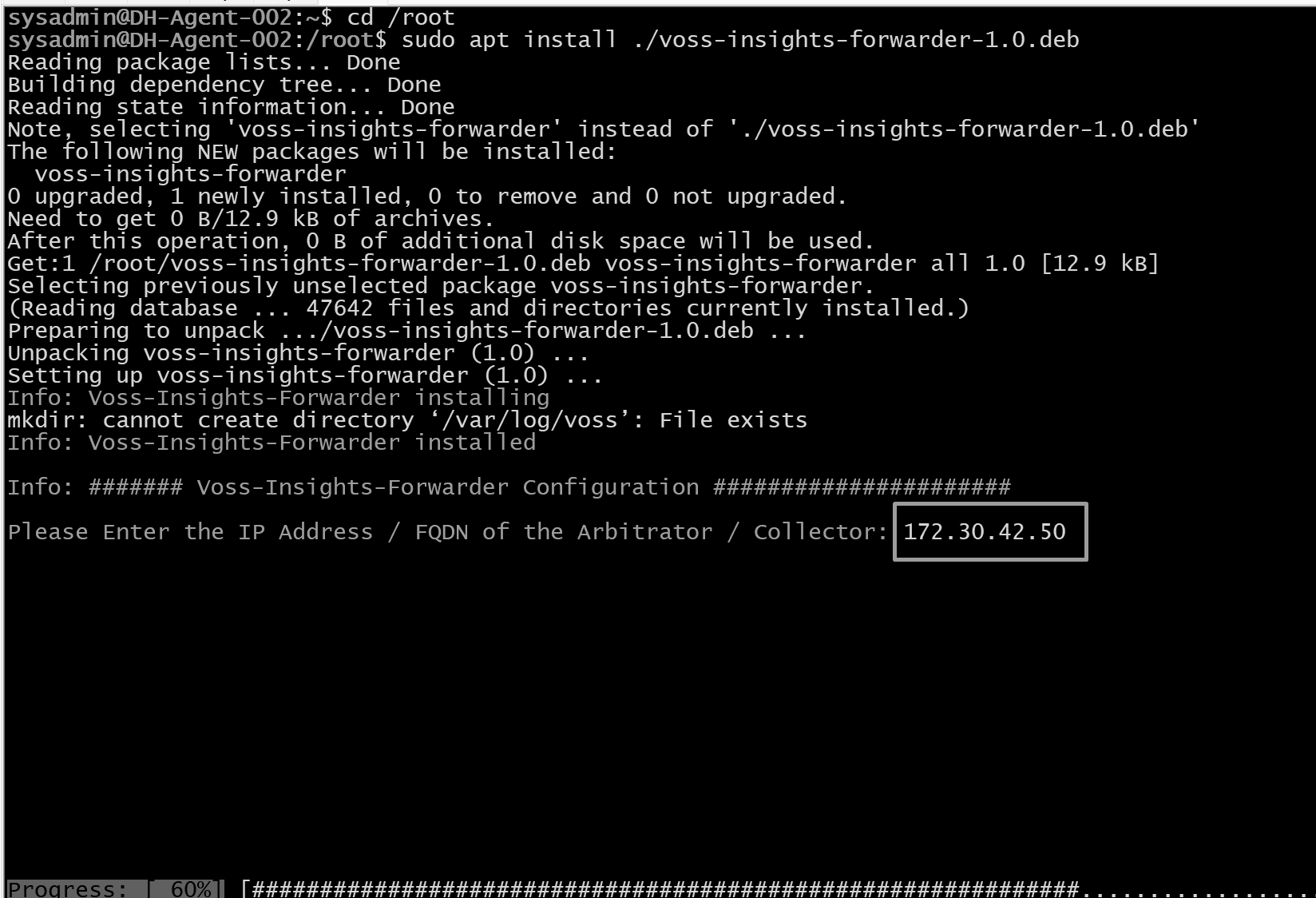
Enter the IP Address or FQDN of the Arbitrator that the agent is to report to then press Enter. The agent will now do a connectivity check via ICMP (Ping) to the Arbitrator.
If connectivity is good, move on to the next step.
If there is no connectivity after 4 attempts, the package will exit.
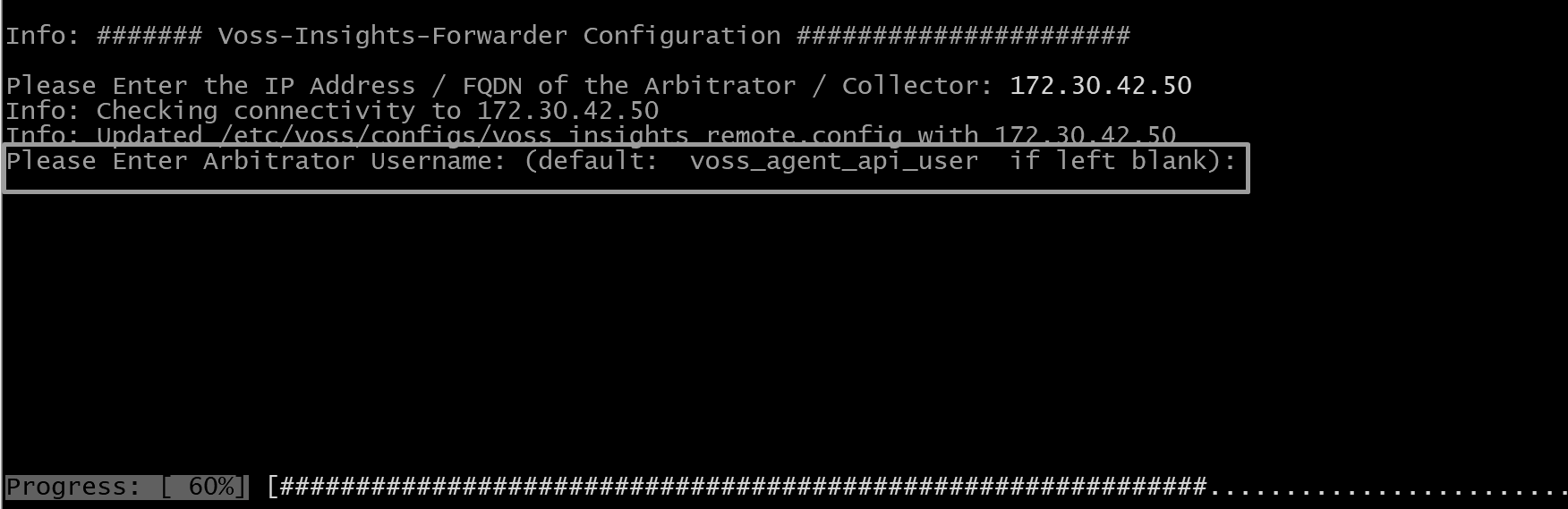
Enter the username (if you created a new API user) or keep the default user and press Enter.
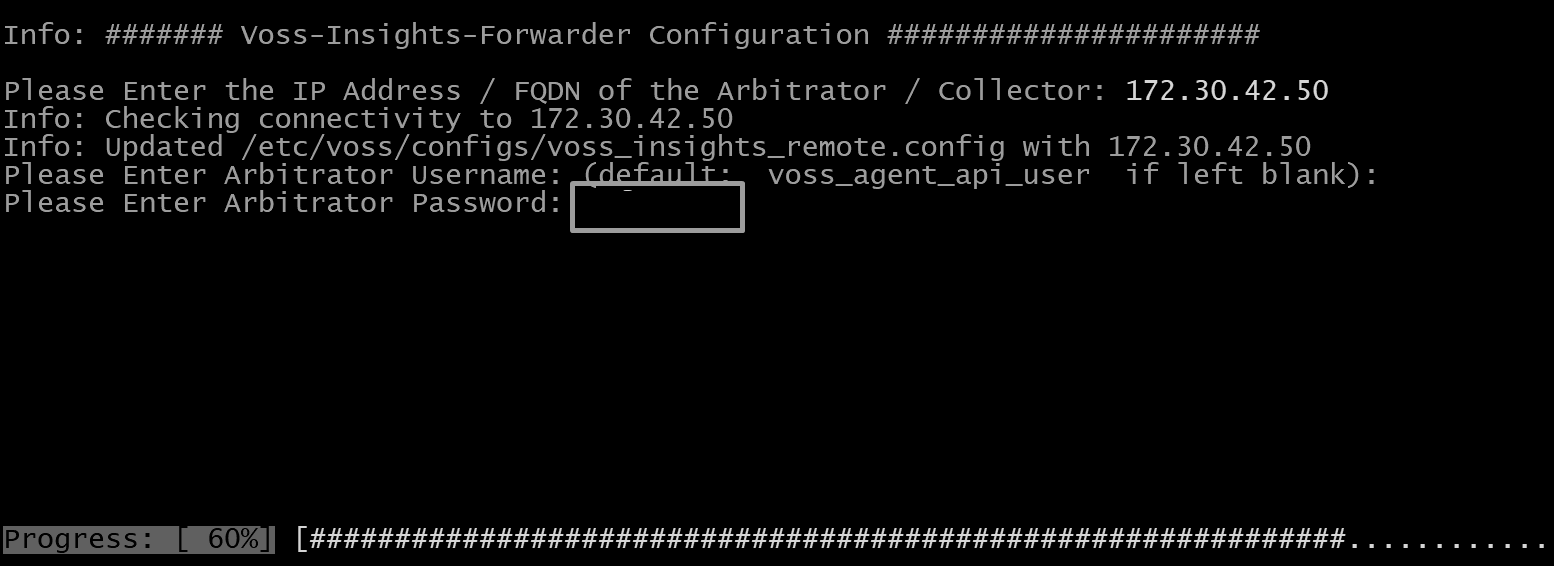
Enter the password (set on the Arbitrator). This will then check the credentials are valid.
If credentials are valid, you move on to the next step.
If credentials are invalid after 4 attempts, the package will exit.
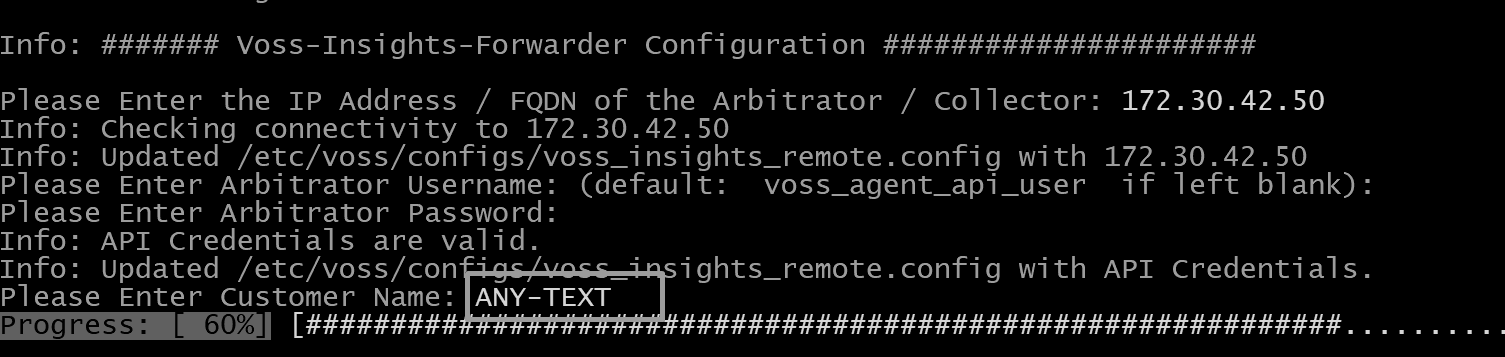
Enter a customer name (data is required to continue) and press Enter.
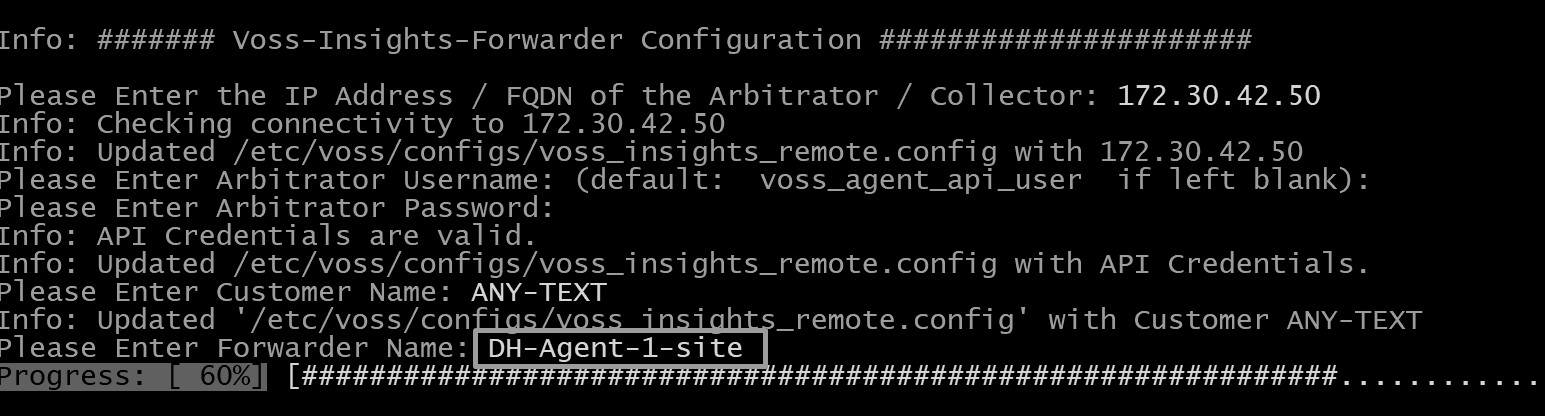
Enter the Forwarder name (this should for example be a descriptive location). Press Enter.

This completes the configuration.