Dashboards for a Business Admin role#

Automate provides a set of dashboards, menu layouts, and field display policies that are used in two sample menu layouts - for use or customization as a Business Administration Portal menu layout to be added to a user’s role.

Example dashboards - Business Admin role#

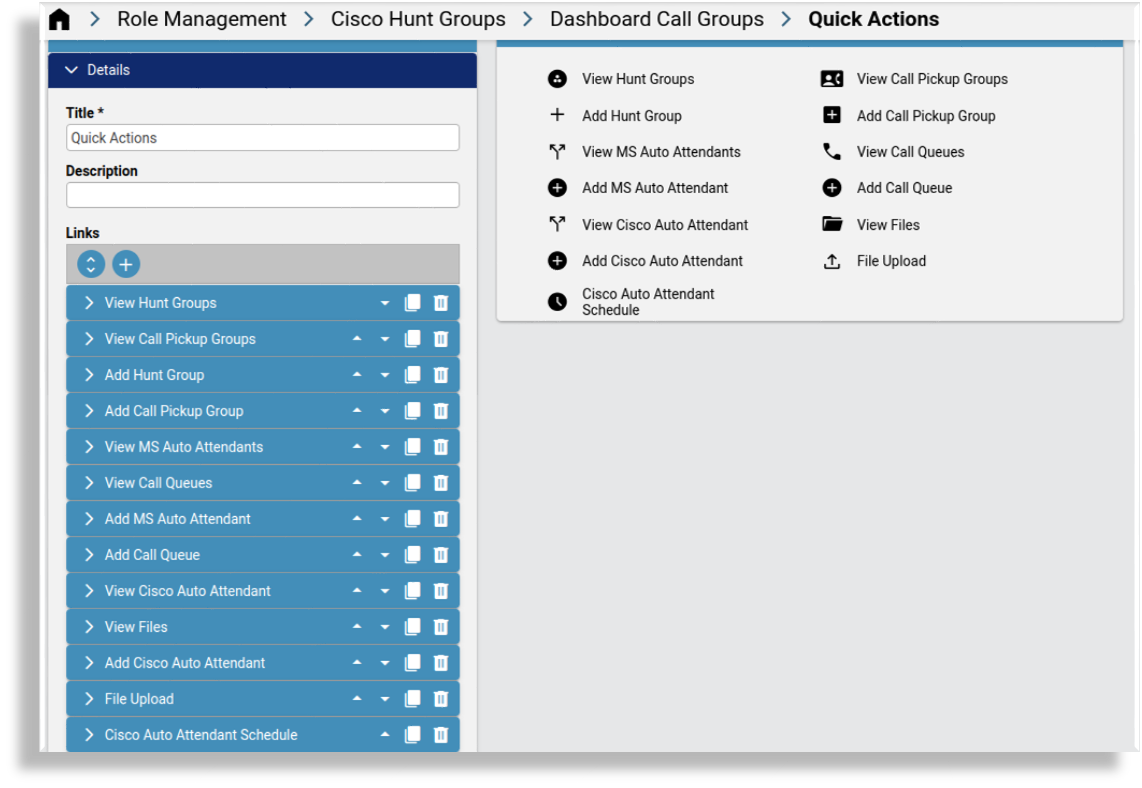
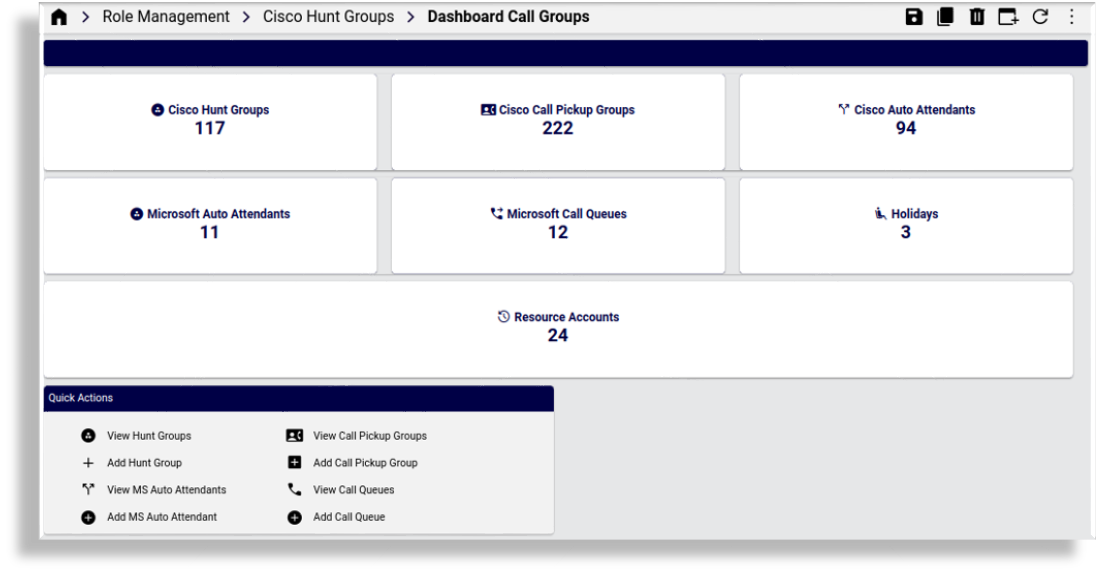
Example - Call groups setup and display#
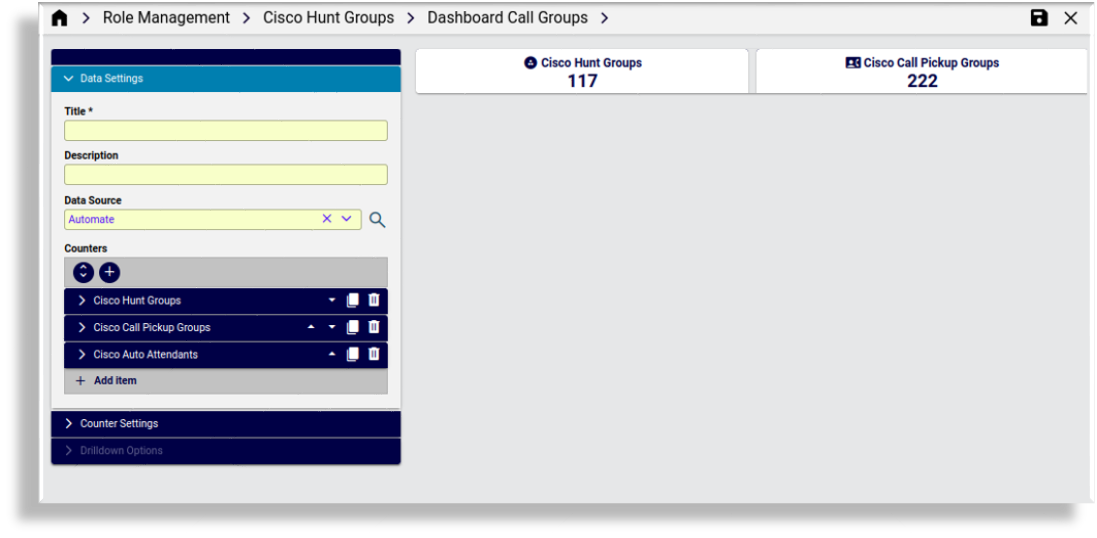
../../_images/dashboard-counters-call-groups.png ../../_images/dashboard-sections-call-groups.png ../../_images/dashboard-call-groups2.png

Example - display of Number Management dashboard#
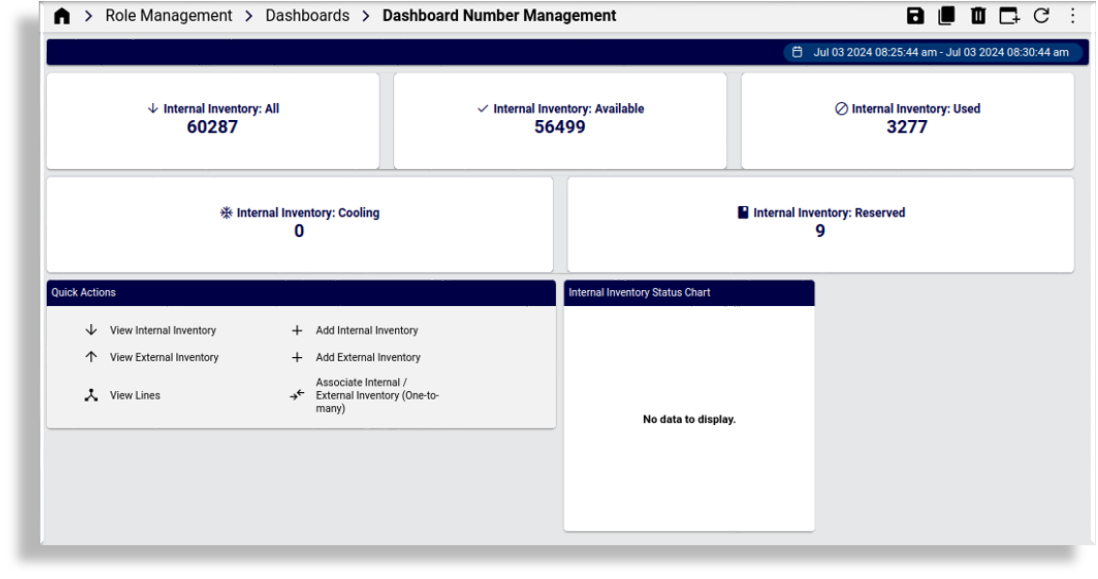
../../_images/dashboard-number-mgt.png

Dashboard names grouped by sample menu layout names The following lists are the dashboard names grouped by the provided sample menu layout names.

Field Display Policies#

  • Field display policies with customer_admin in their names are also provided and used for some of the links in the dashboards.

  • Field display policies with BusinessAdmin in their names are also provided and used for some of the links in the dashboards.

Dashboards: MenuSiteAdmin#

  • Dashboard Number Management

  • Dashboard MV Users

  • Dashboard Phones

  • Dashboard Headsets

  • Dashboard Voicemail

  • Dashboard Collaboration

  • Dashboard Conferencing

  • Dashboard Contact Center

  • Dashboard Call Groups

  • Dashboard MS Exchange

  • Dashboard Tools

Dashboards: MenuCustomerAdmin#

  • Dashboard Site Management

  • Dashboard Number Management

  • Dashboard MV Users

  • Dashboard Phones

  • Dashboard Headsets

  • Dashboard Voicemail

  • Dashboard Collaboration

  • Dashboard Conferencing

  • Dashboard Contact Center

  • Dashboard Call Groups

  • Dashboard MS Exchange

  • Dashboard Tools