
VMWare Esxi 8#
Requirements#
Installation hardware requirements by solution:
See Arbitrator Correlation Consolidation VM sizing specifications
See Arbitrator Correlation Consolidation VM sizing specifications
Download OVA#
Download the OVA for your system to a directory accessible by the VM client.
Deploy the OVA#
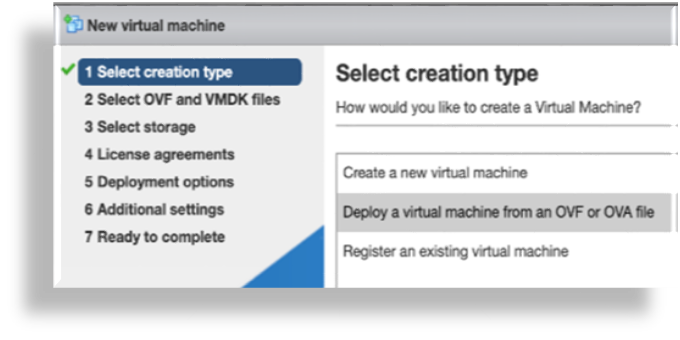
To deploy the OVA:
Select the downloaded OVA file, and choose a VM name.
On the Select storage menu, configure storage settings based on the recommended hardware specifications for the required configuration.
See the VM Specification and Requirements for your system.
Configure the network mappings based on the recommended hardware specifications for the required configuration.
See the VM Specification and Requirements for your system.