
Insights DS9 for Netflow product registration#
Connect to the DS9 server using an SSH client on port 22.
Log in using the admin credentials to access the Administration menu.
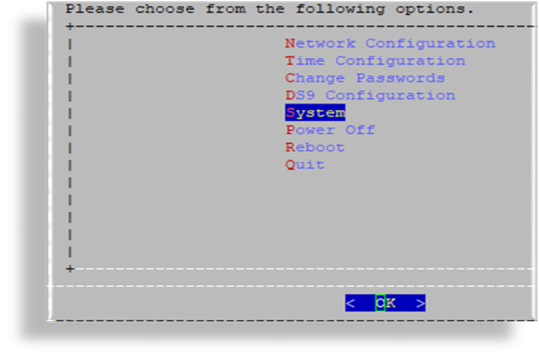
Select System.
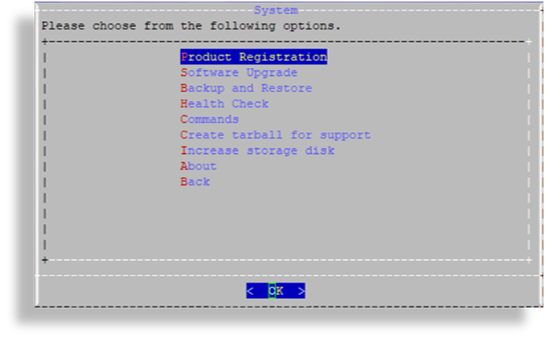
Select Product Registration.
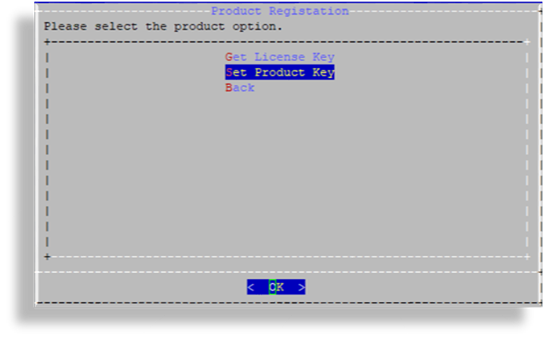
Select Set Product Key.
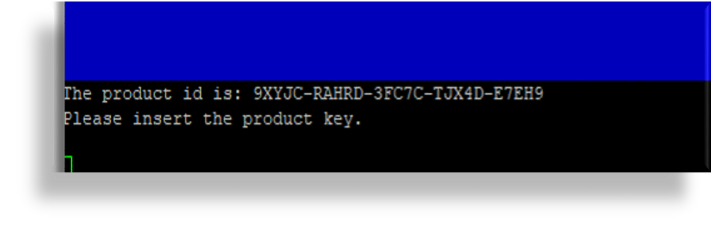
Input the product key. Paste the product key into the interface, then press Enter to update the licensing expiration on the DS9 Netflow server.
Return to the Product Registration page, then select Back to navigate back to the Administration menu. Select Quit to exit and close the SSH session.