Flow device database cleanup#
This procedure clears stale flow devices from the SNMP tables to support SNMP device management and cleanup, ensuring accurate dashboard data and improved device correlation.
SSH to the DS9 system.
Log in using the DS9 admin credentials.
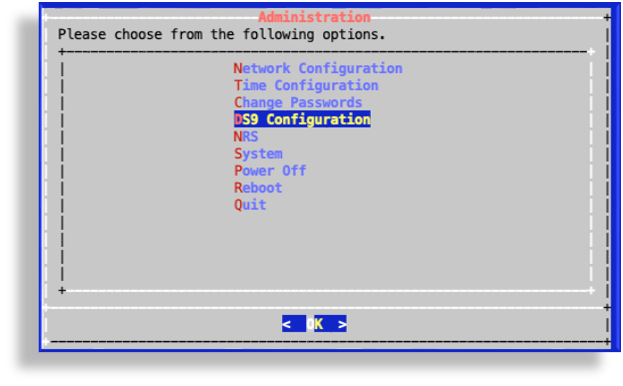
On the Administration menu, select DS9 Configuration.
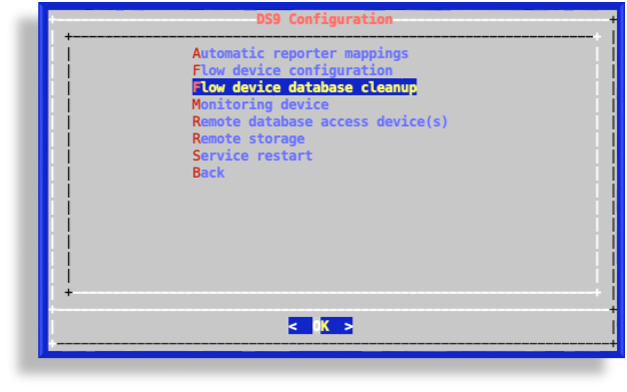
On DS9 Configuration, select Flow device database cleanup.
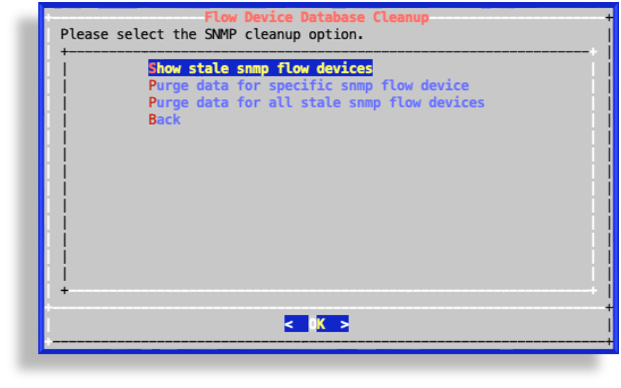
On the Flow Device Database Cleanup page, choose an option:
Show stale snmp flow devices: Identify stale SNMP flow devices. Devices present in the database but not actively configured.
Purge data for specific snmp flow device: Targeted purging. Delete data for a specific SNMP device by IP, with validation to block invalid or malicious inputs.
Purge data for all stale snmp flow devices: Bulk cleanup. Purge all stale SNMP flow devices from the database.