
NetFlow Collector system health check#
This procedure displays the output from the DS9 Collector internal health check via the CLI Administration menu.
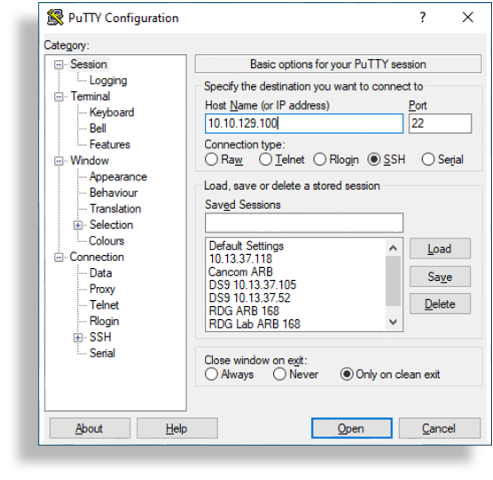
SSH to the DS9 system, and log in to the system using the DS9 CLI NetFlow Collector admin credentials (username / password) to access the main Administration menu.
The image shows SSH connection example using Putty ssh client.
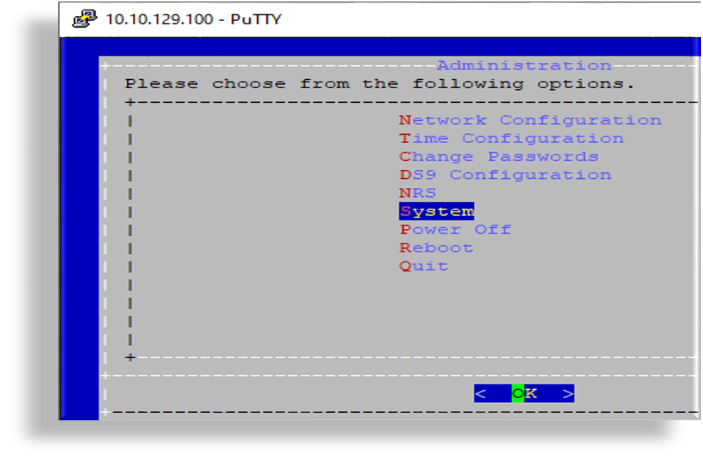
In the Administration menu, select System.
Note
Use the following keyboard keys to choose relevant options and to navigate through the CLI Administration menu: <ARROW>, <TAB>, <ENTER>
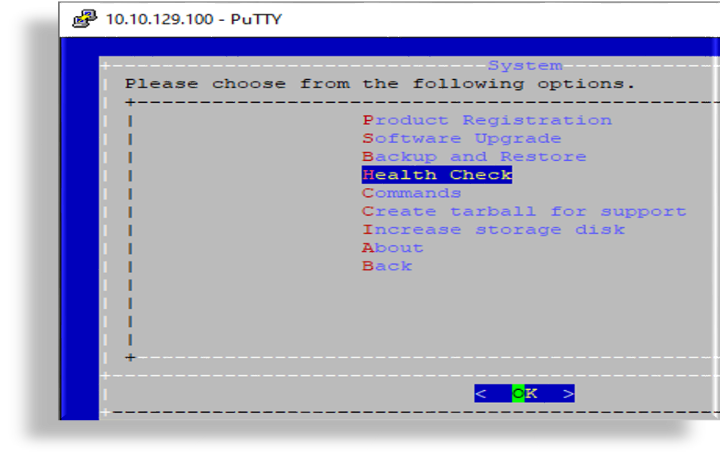
On the System page, select Health Check.
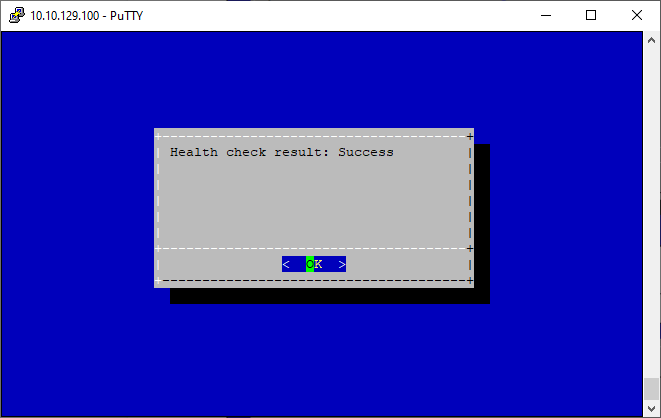
View the result, which should be Success. Select OK, and press <ENTER> to return to the System page.
Note
If the displayed result is Success, the health check has validated that all services and processes are functioning properly.
If the displayed result is Failure, you will need to contact VOSS Support.
Exit the Administration menu and disconnect from the system.