
Text Widgets#
A widget is available to show text on a dashboard.
Condition: The display of the widget on the dashboard can be controlled by entering a condition that resolves to boolean True or False, for example in accordance with enabled features, services, and devices as in the Global Settings. The conditions are in the form of system macros. See for example the macros listed under the Links topic.
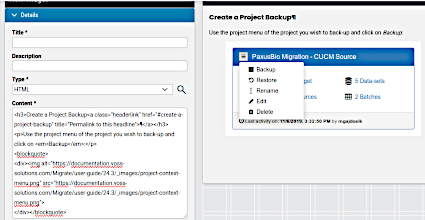
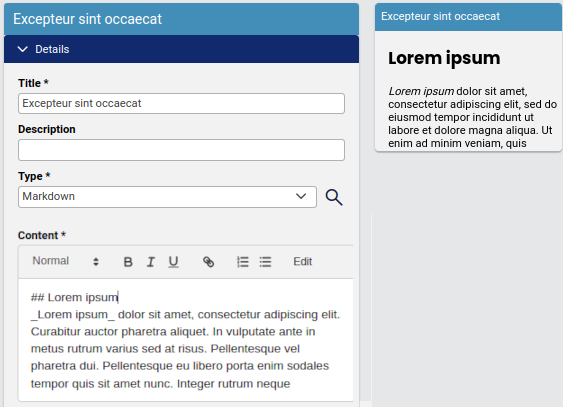
The input format can be either HTML or Markdown. The editor Preview menu option allows for a formatted preview of the text format in the Content input box.
Example Text widgets (HTML):
Example Text widgets (Markdown):
Text widgets can be used to create headings, for example:
Design:
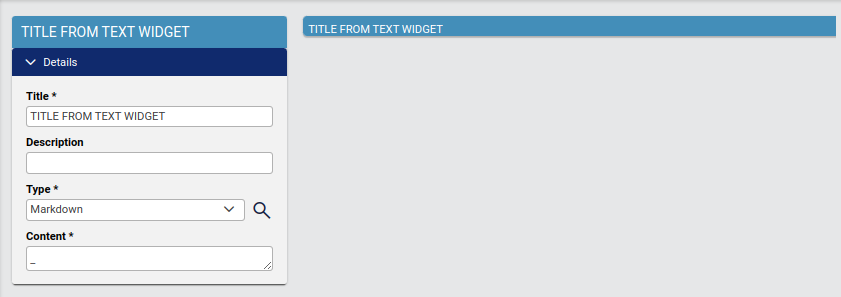
Display:
