


 VOSS Automate
Documentation
VOSS Automate
Documentation
Latest Release: VOSS Automate 25.1
Welcome to VOSS Automate 25.1! This feature release for Automate ships with powerful enhancements designed to elevate usability, customization, and efficiency, including streamlined agent management for Webex Contact Center, seamless Microsoft user moves between sites, configurable number inventory filters, plus new courtesy call back settings for Microsoft Call Queues. Experience a fresh, role-based approach to the Admin Portal with new and improved dashboards and menus, now featuring customized color mapping on dashboards for greater visual flexibility. In addition, updates to the operating system and PowerShell enhance performance, strengthen platform security, and ensure long-term stability and compatibility. For details, see the release highlights and the Release Notes.
Highlights in Automate 25.1
Enhanced Menus and Dashboards
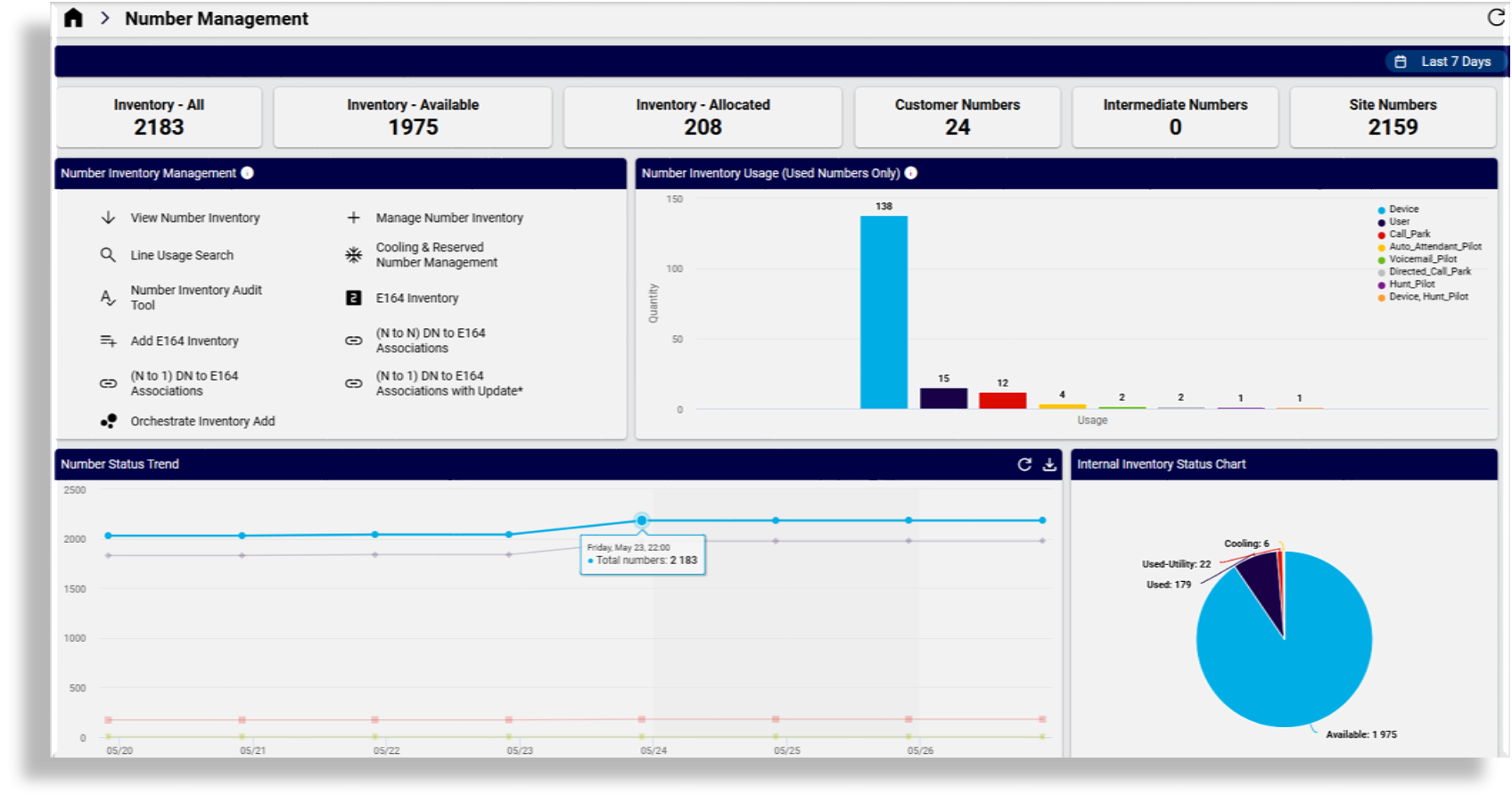
Automate 25.1 introduces a brand new menu and dashboard experience, making navigation cleaner and more intuitive. While configurable dashboards have been available since version 24.1, this update provides enhanced default menus and dashboards that streamline the user experience.
New reporting widgets, charts, and diagrams give design administrators practical examples of how dashboards can be customized to display organization-specific information.
Importantly, existing roles, menus, and dashboards remain unchanged after an upgrade, ensuring continuity for current administrators. The new menus and dashboards can be associated with both existing and new roles and can be used to experiment with configurations that best suit operational and reporting needs.
Automate 25.1: Ubuntu 22.04.5 LTS Upgrade
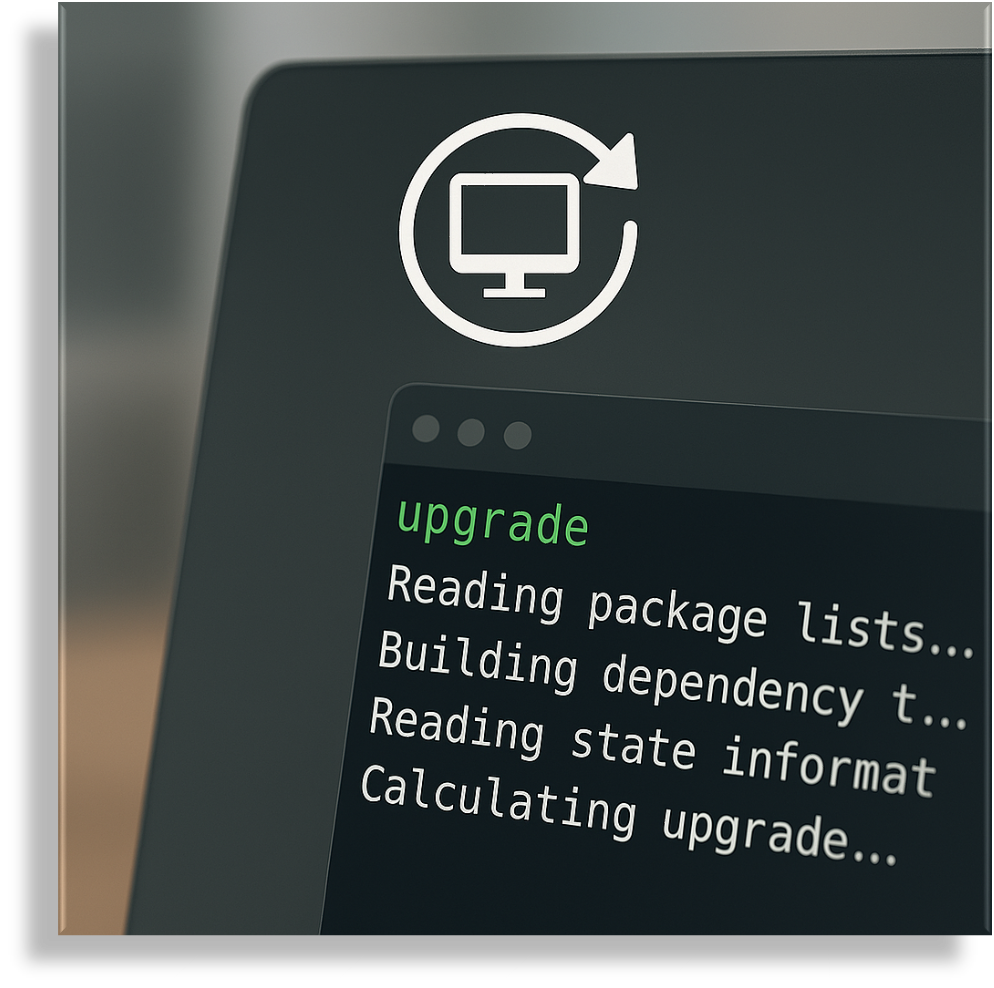
With standard support for Ubuntu 20.04 ending in May 2025, Automate 25.1 ensures continued security and stability by upgrading to Ubuntu 22.04.5 LTS, which provides updates until June 2027. This transition enhances cloud and on-prem deployments, unifies platform deployment across AWS and Azure, and streamlines the upgrade process to prioritize OS updates first, including improvements in the fresh deployment duration. By adopting Ubuntu 22.04.5 LTS, Automate 25.1 maintains compliance, improves performance, and ensures long-term support for critical infrastructure.
Custom Number Inventory Filters
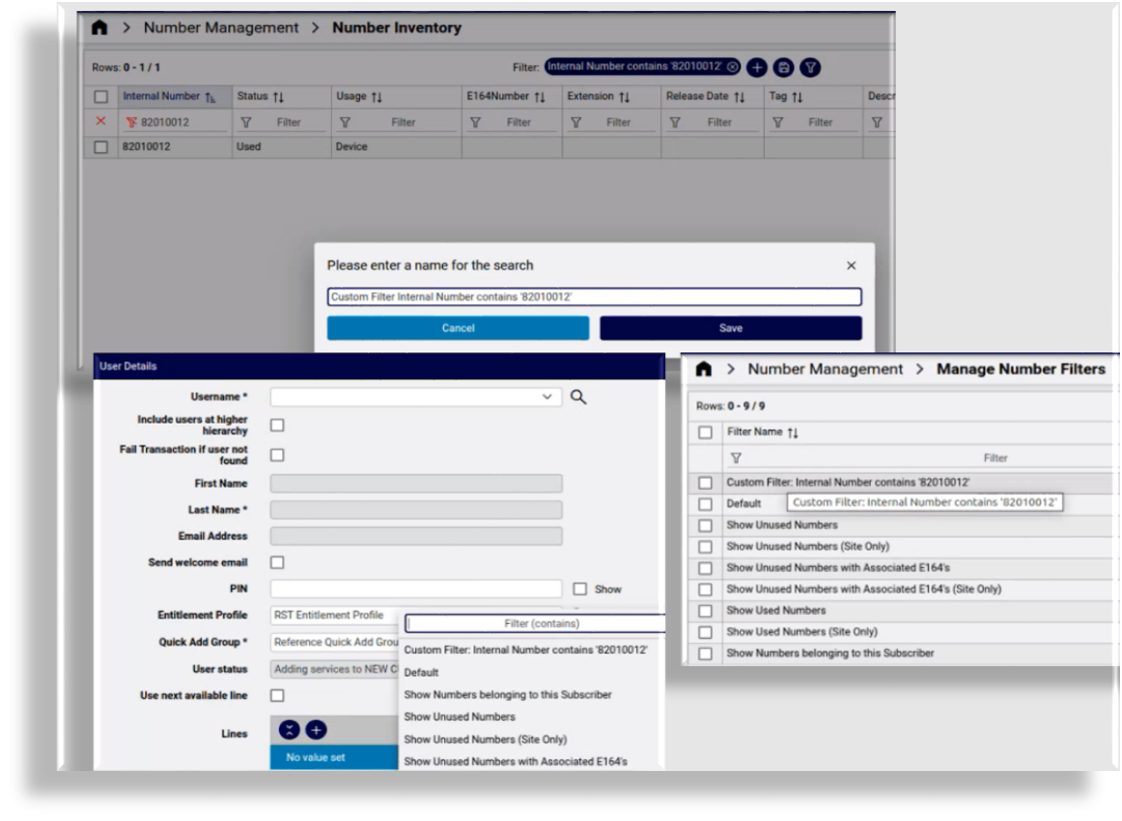
Automate 25.1 introduces customizable Internal Number Inventory filters, allowing administrators to tag and organize number inventory data with useful information for more flexible filtering. The filters can be saved and made available in drop-down lists so that they can be used for onboarding. Additionally, selecting a filter and enabling the "Next Available Number" option ensures that the system automatically assigns the next available number based on defined criteria. This enhancement streamlines number management, improves accuracy, and simplifies onboarding and provisioning workflows.
Webex Contact Center Support
Automate 25.1 introduces seamless integration with Webex Contact Centre, enabling administrators to configure and manage agents with greater efficiency. This update leverages Automate's role-based access and hierarchy structure, ensuring that administrators have the appropriate access levels to perform essential tasks within Contact Centre operations.
Enhancements to Webex User and Webex Quick Add User allows agents to be managed directly within Automate's Webex user management framework. New agents can now be added, licensed, and configured in a single step, significantly simplifying onboarding and management.


Enhanced Microsoft User Move Orchestration
This feature enhances Microsoft user migration between sites via a streamlined form that allows administrators to easily select users, destinations, roles, and profiles, and then to choose whether to assign the user a new line at the target site or preserve the existing line (if one exists).
Additionally, administrators gain clear visibility into the user's services at the current site and their future service configuration at the destination site, enabling informed decisions and reducing errors. This update simplifies user moves, improves accuracy, and enhances operational efficiency.
Configurable Default Date Range on Dashboards
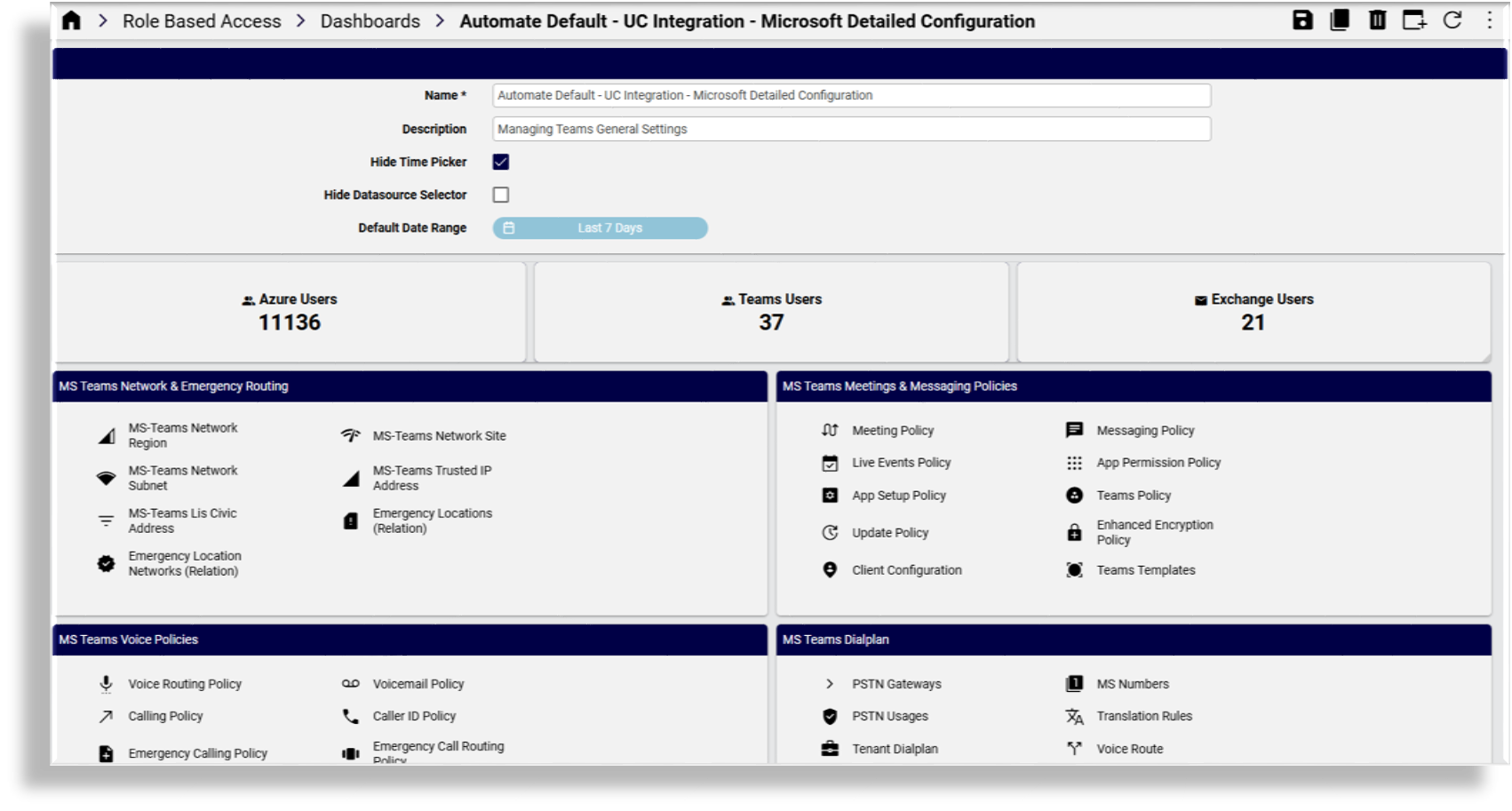
This enhancement adds a new configurable "Default Date Range" option to dashboards, allowing administrators to set the initial date range applied when opening a dashboard. The default is set to "Last 24 Hours", but it can be adjusted to better suit user needs.

Small Enhancements and Bug Fixes
In addition to the new features in this release, we've added a variety of updates to optimize and improve workflows, usability, customization, accessibility, and performance in the Admin Portal. You can find further details, including links to the relevant topics, at What's New by Feature.