Install Dashboard System#
Log in to the Dashboard Server:
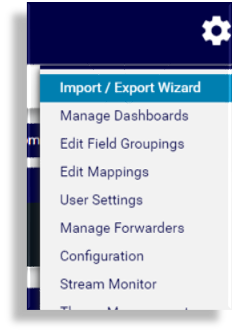
admin/adminOn the toolbar, click the System Configuration icon (Cog) to display the admin menu, then select Import/Export Wizard.
Click Choose file, then navigate to the file you wish to import (dashboard files have the
.lxtrfile extension).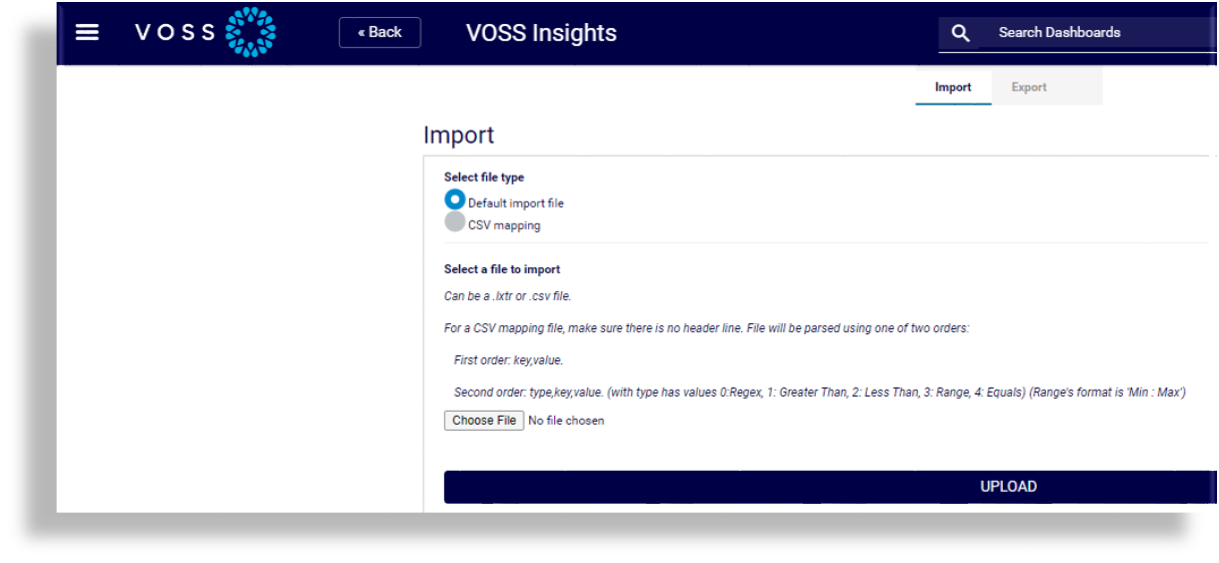
Click Upload.
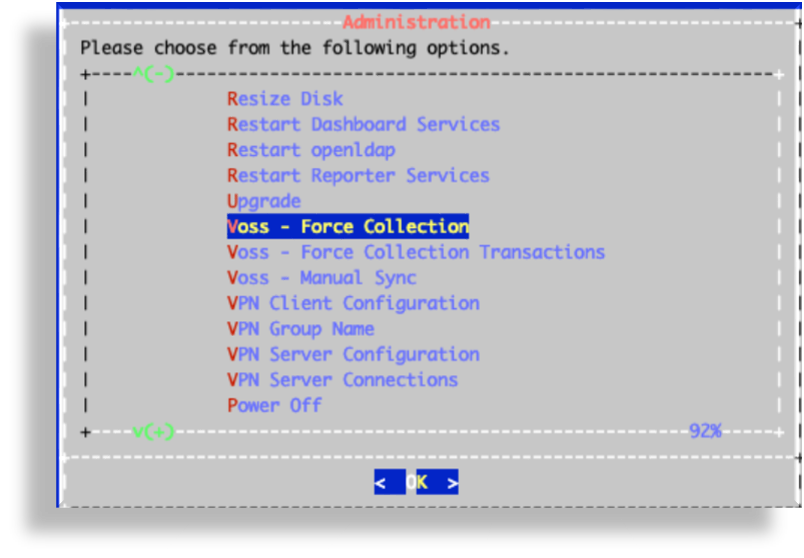
Log in to the Dashboard CLI as
admin/admin.Select Voss - Force Collection, then click OK to sync VOSS Automate data into the dashboard.