Dashboard Reporter Licensing
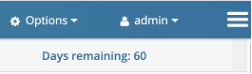
- The remaining days on the License are displayed in the UI upon login.
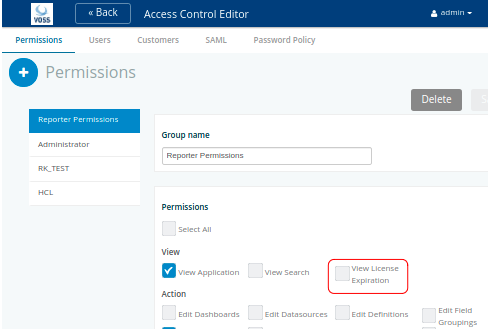
This View License Expiration setting can be enabled or hidden from the Permissions on the Access Control Editor:
Alternatively, to see how many days left:
From the main menu for the logged in user:
- Choose About
- Check the DAYS LICENSED and DAYS REMAINING values.
To load a license file:
- Obtain the license file
- Choose About
- Click EDIT PRODUCT KEY and replace it with the one from the licence file.

.