Edit or Delete a Target#
Edit#
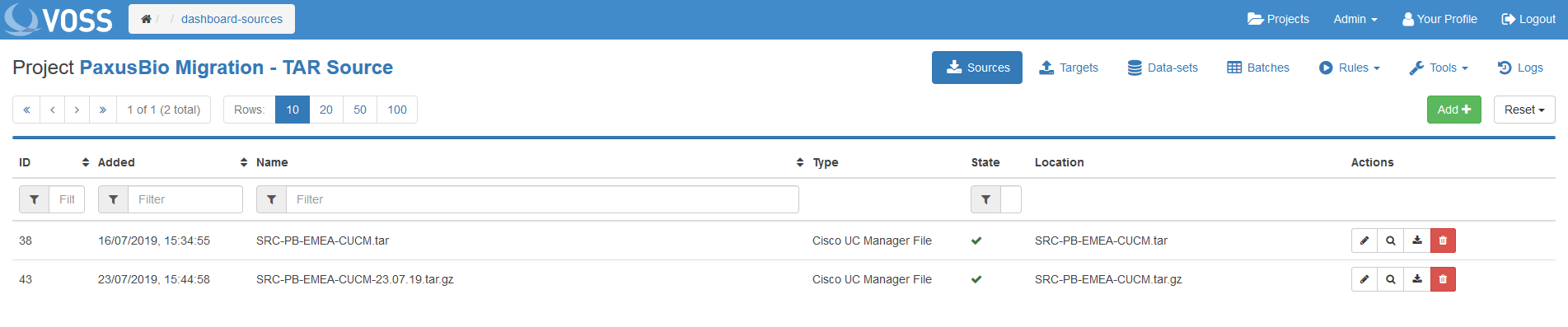
To edit, click the pencil icon next to the Target.
The same input choices appear as when adding a Target.
To apply changes click Edit.
Delete#
Click the red dustbin icon next to the Target to delete.

To edit, click the pencil icon next to the Target.
The same input choices appear as when adding a Target.
To apply changes click Edit.
Click the red dustbin icon next to the Target to delete.