Validate a Batch#
Once all format changes have been made to the Batch it must then be validated before Provisioning.
How to Validate#
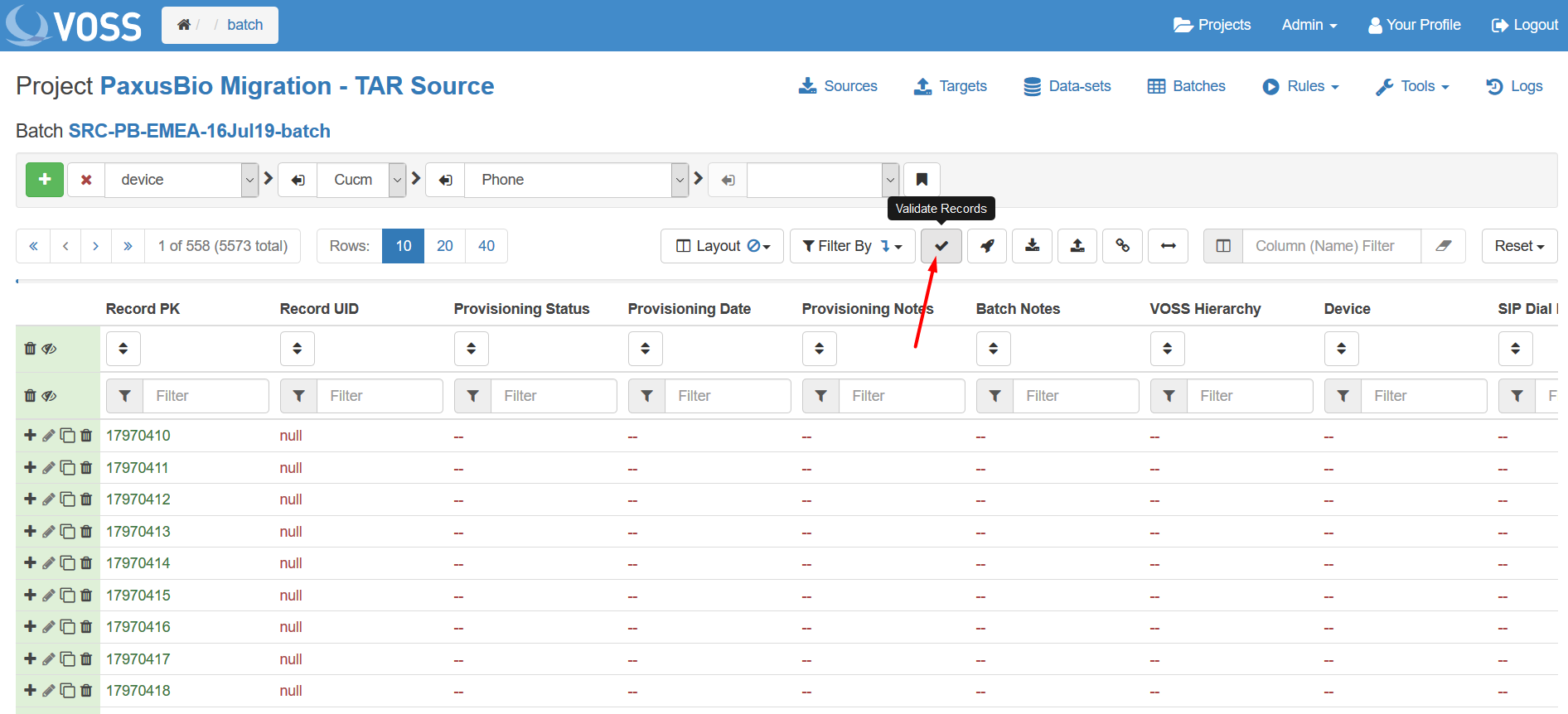
Click the tick icon in the menu bar above the field names.
Choose whether to validate the current view or entire Batch.
Choose whether to Ignore errors or not using the checkbox:
Enabled: Validation does not stop when validation errors are encountered.
Disabled: Validation stops on the first validation error, or proceeds fully only if no errors are found.
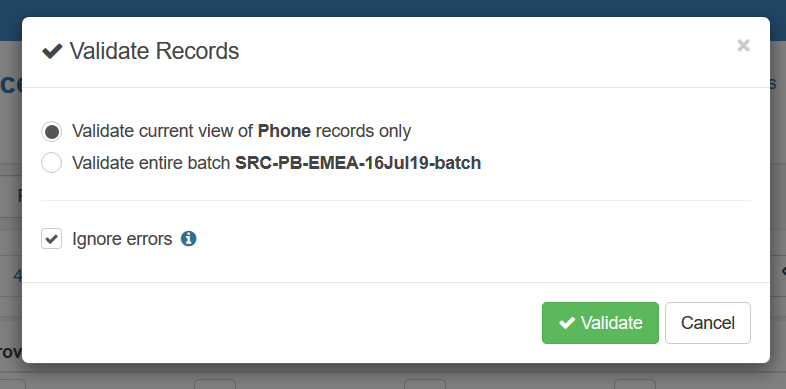
Click Validate.
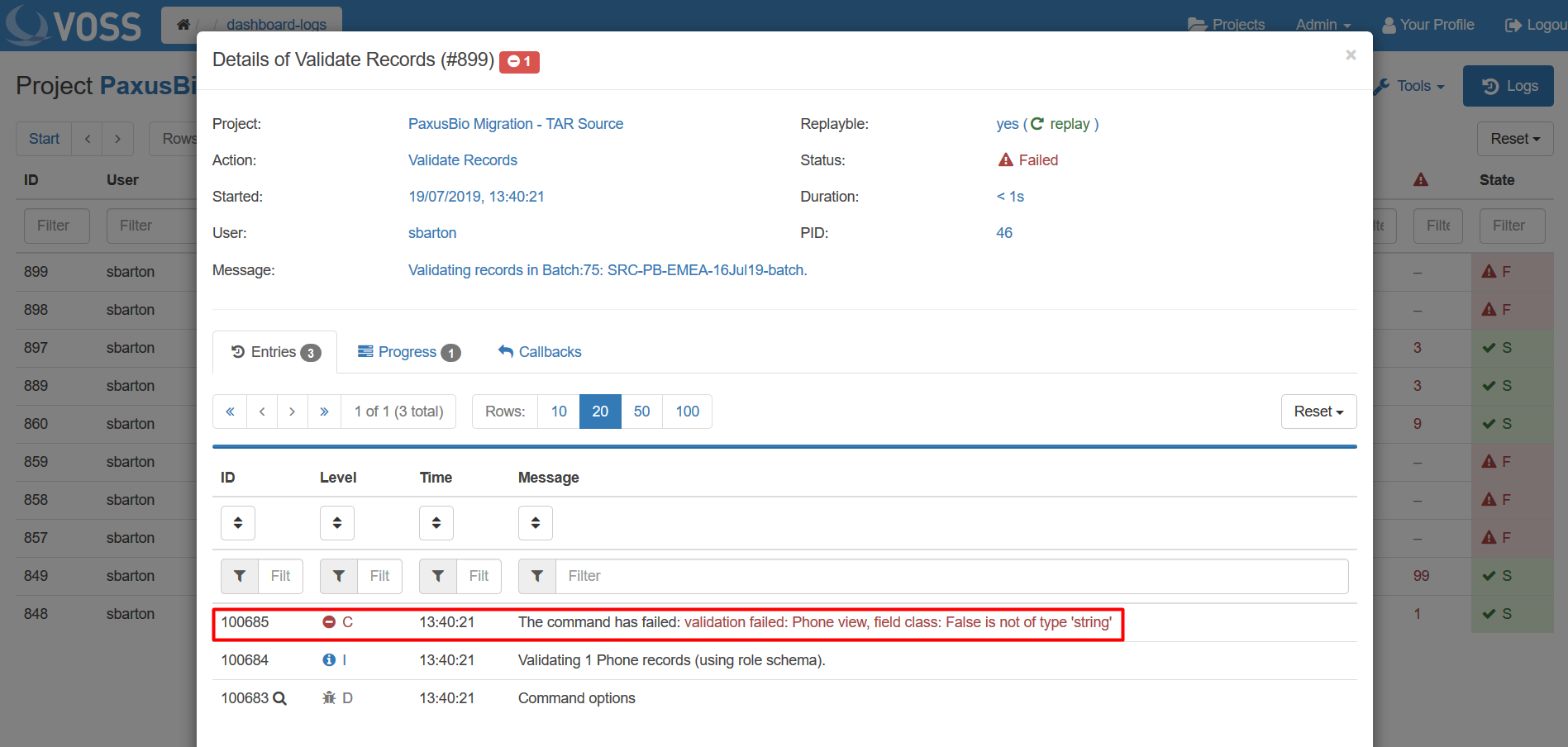
Check Validation progres in the Logs tab.
Tip
Details of errors that cause Validation failures can be found by clicking on the log entry.