Create a User
Azure Active directory > Users
+ New user
Fill out the following:
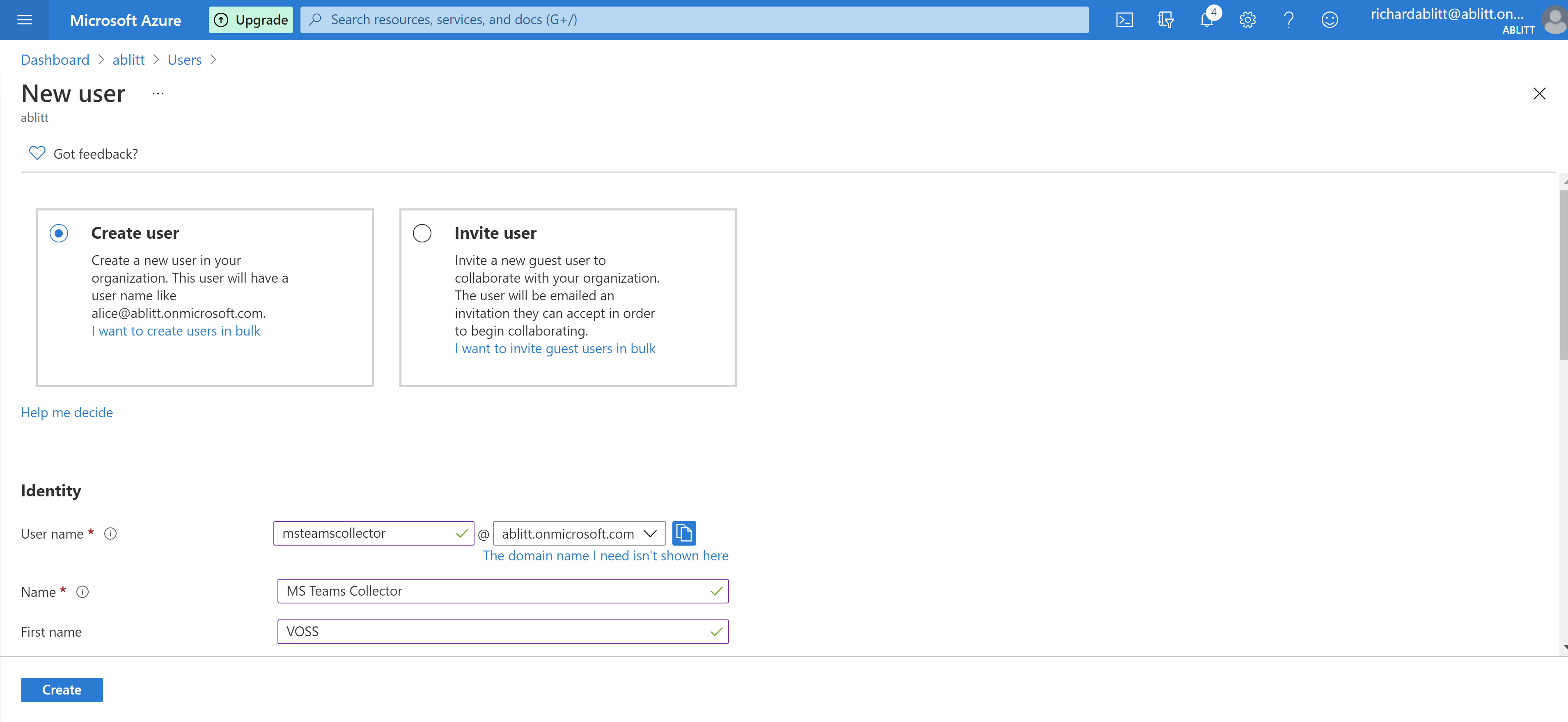
- Username
- Name
- First Name
- Last Name
- Let Me create the password > Enter a password
- Group = Company specific (left blank in lab)
- Roles = Global Reader
Select Create
The user needs to log in once to change the password for the first time and verfify Admin
Navigate to http://admin.microsoft.com/
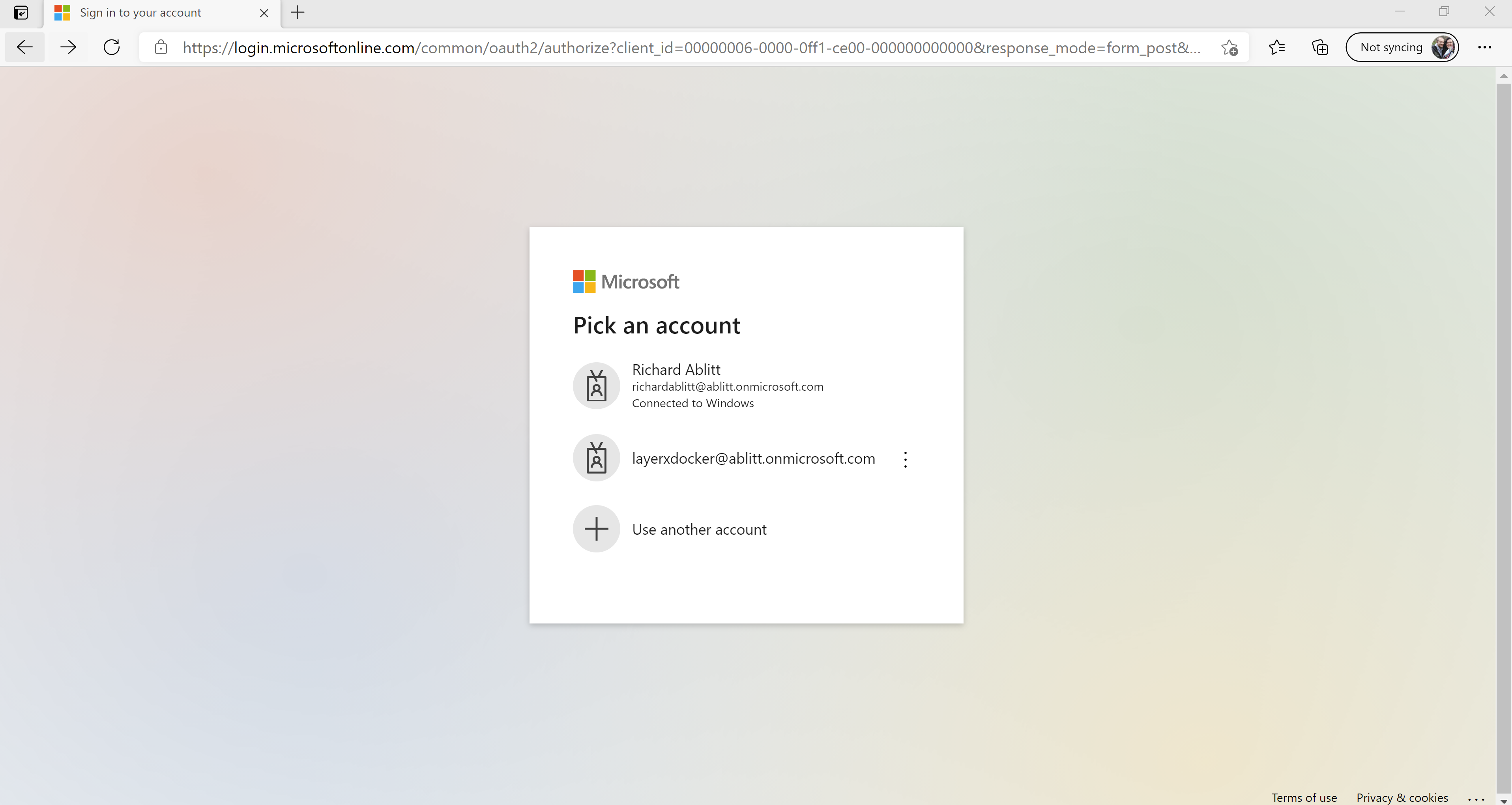
Use another account
Enter global reader account created
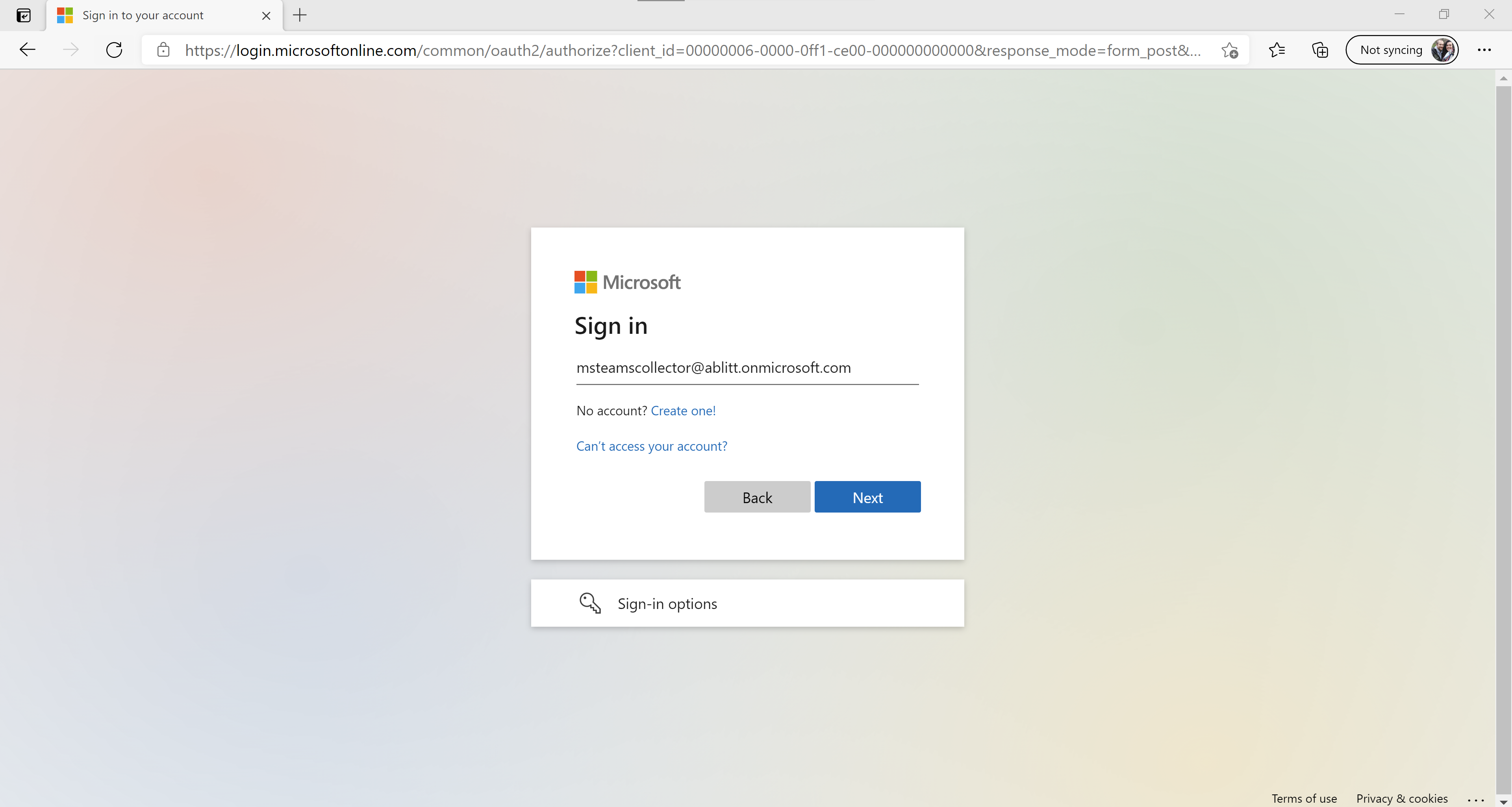
Select Next and enter password
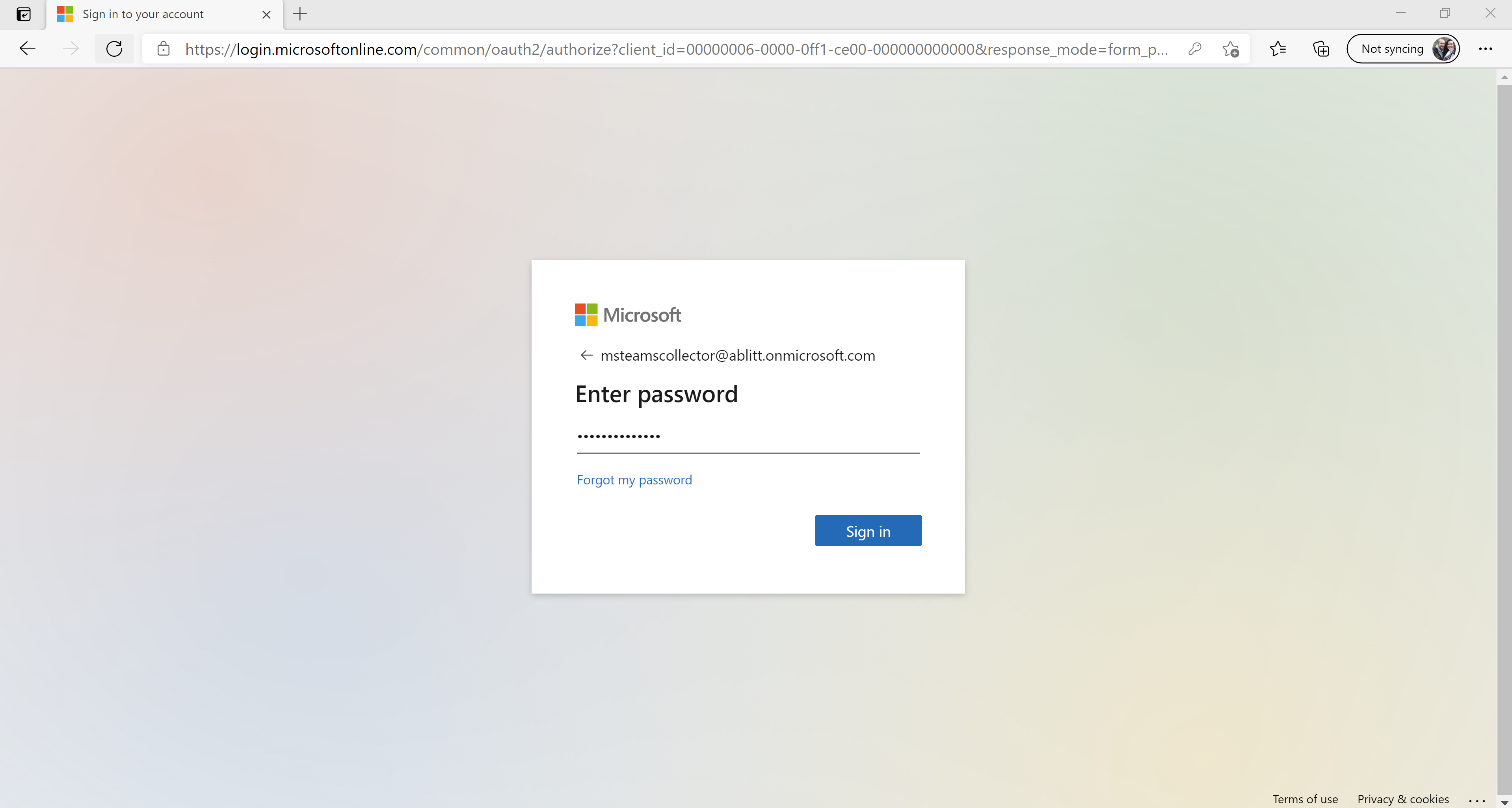
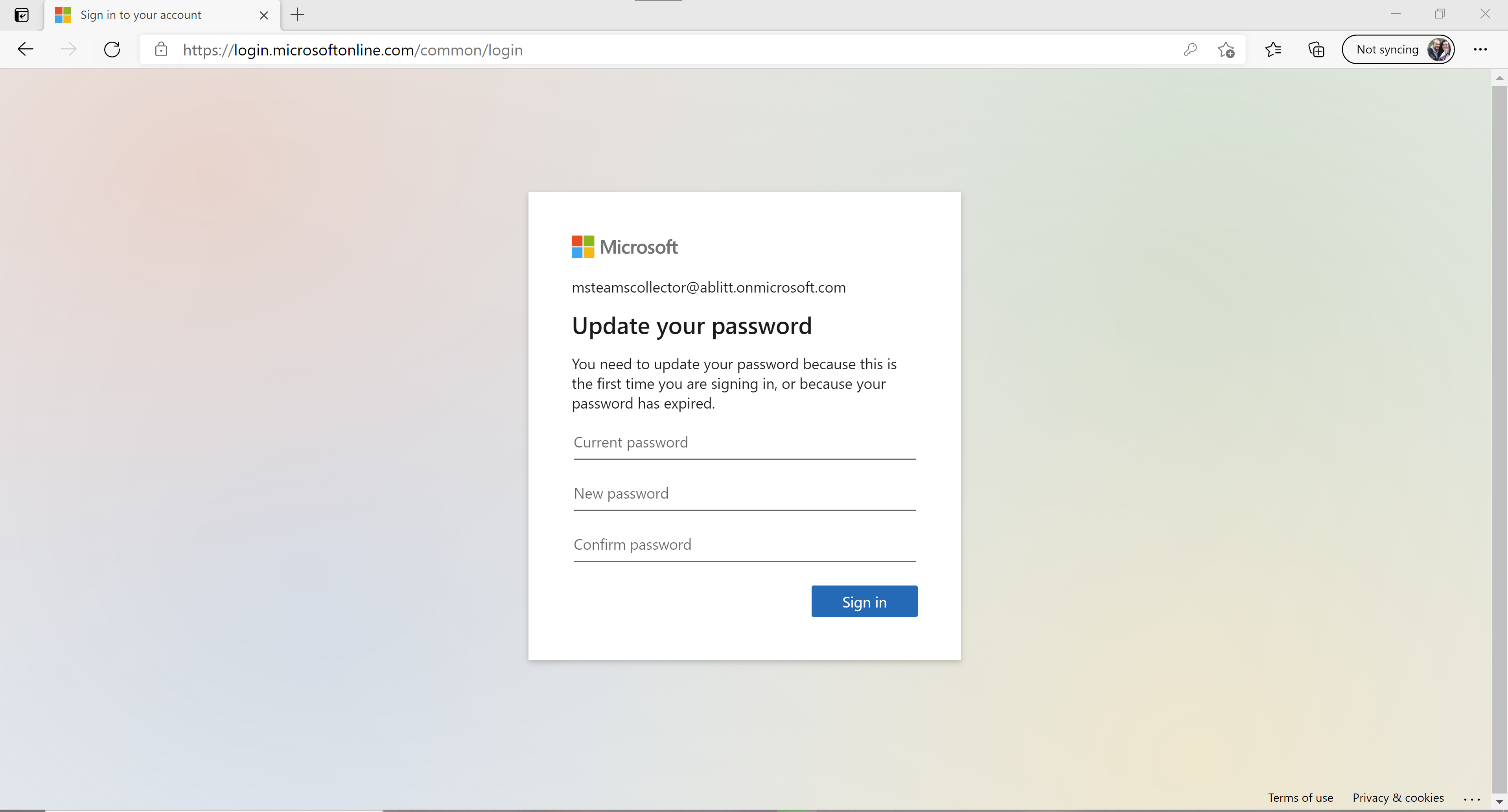
Enter password and create a new password
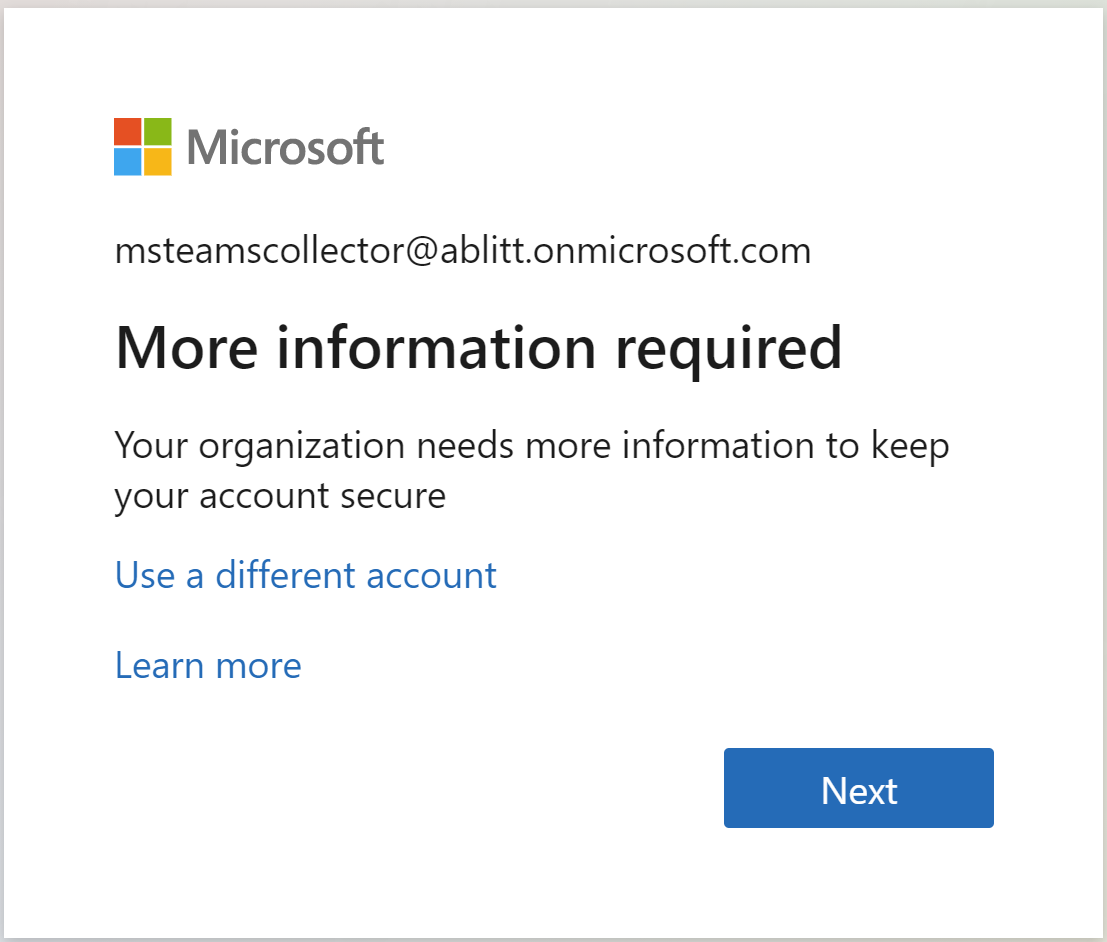
Don’t skip this otherwise you cant use it in the collector
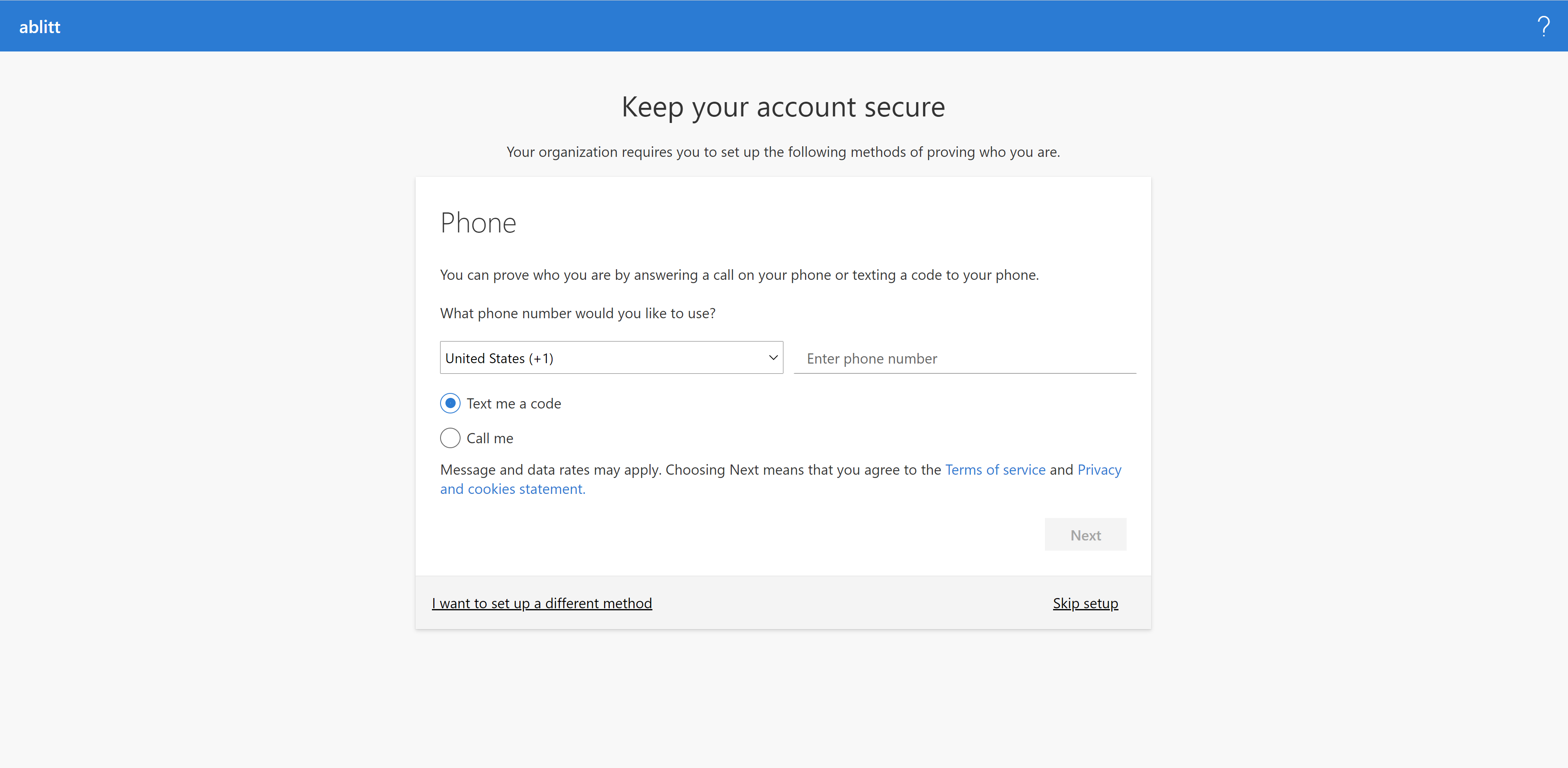
Once you have received a text with the code enter it into the box
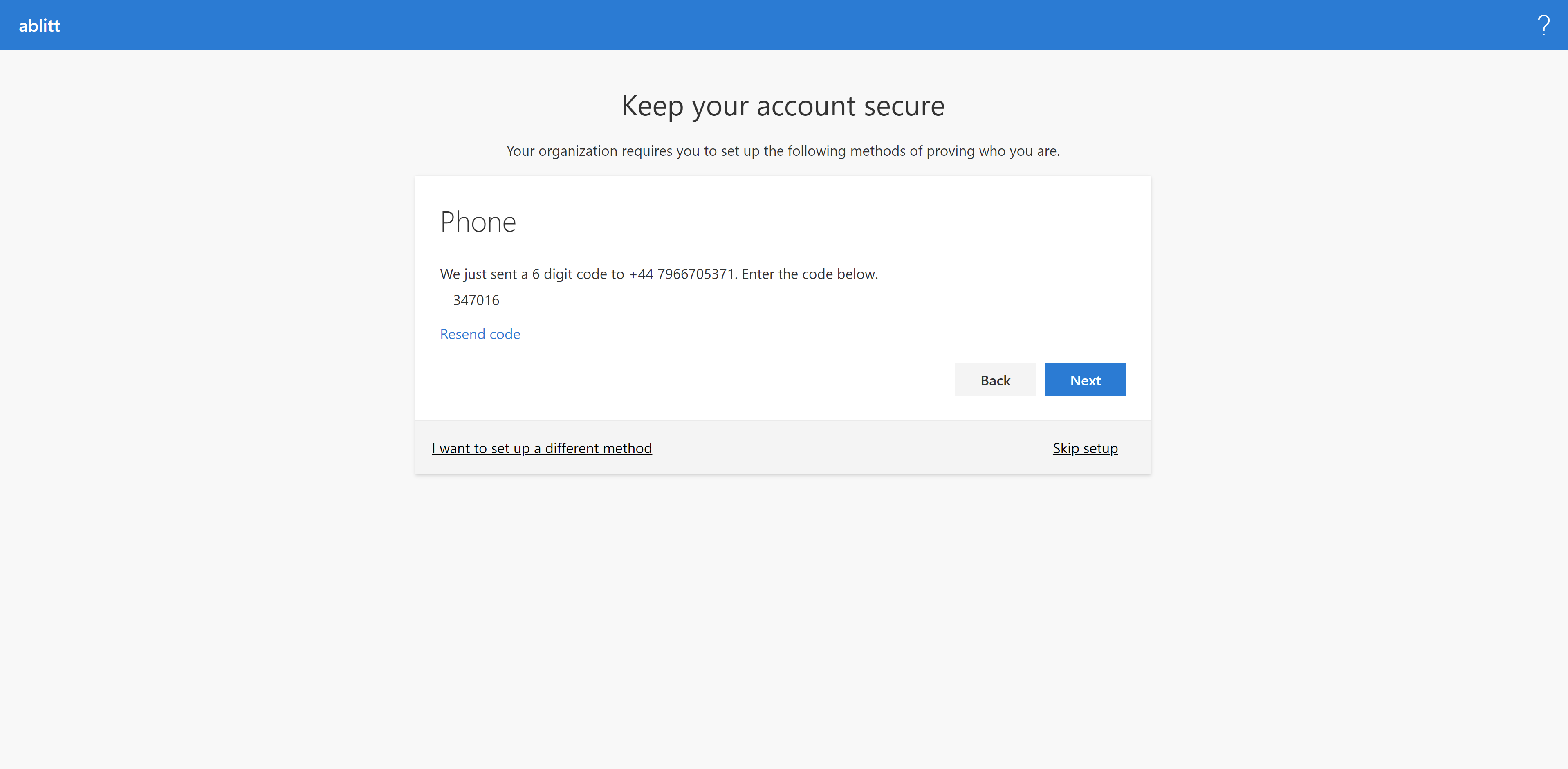
Next
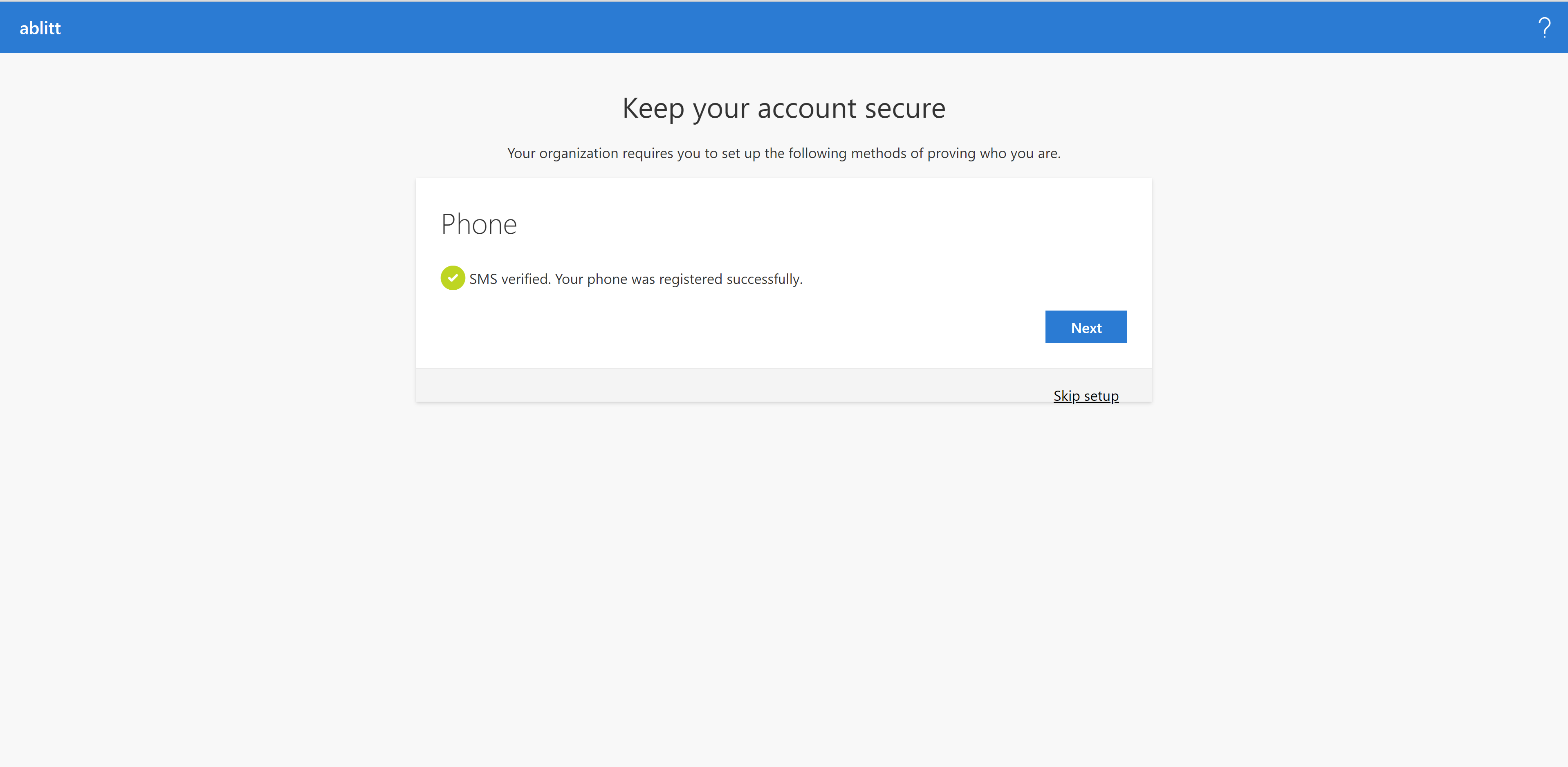
Next
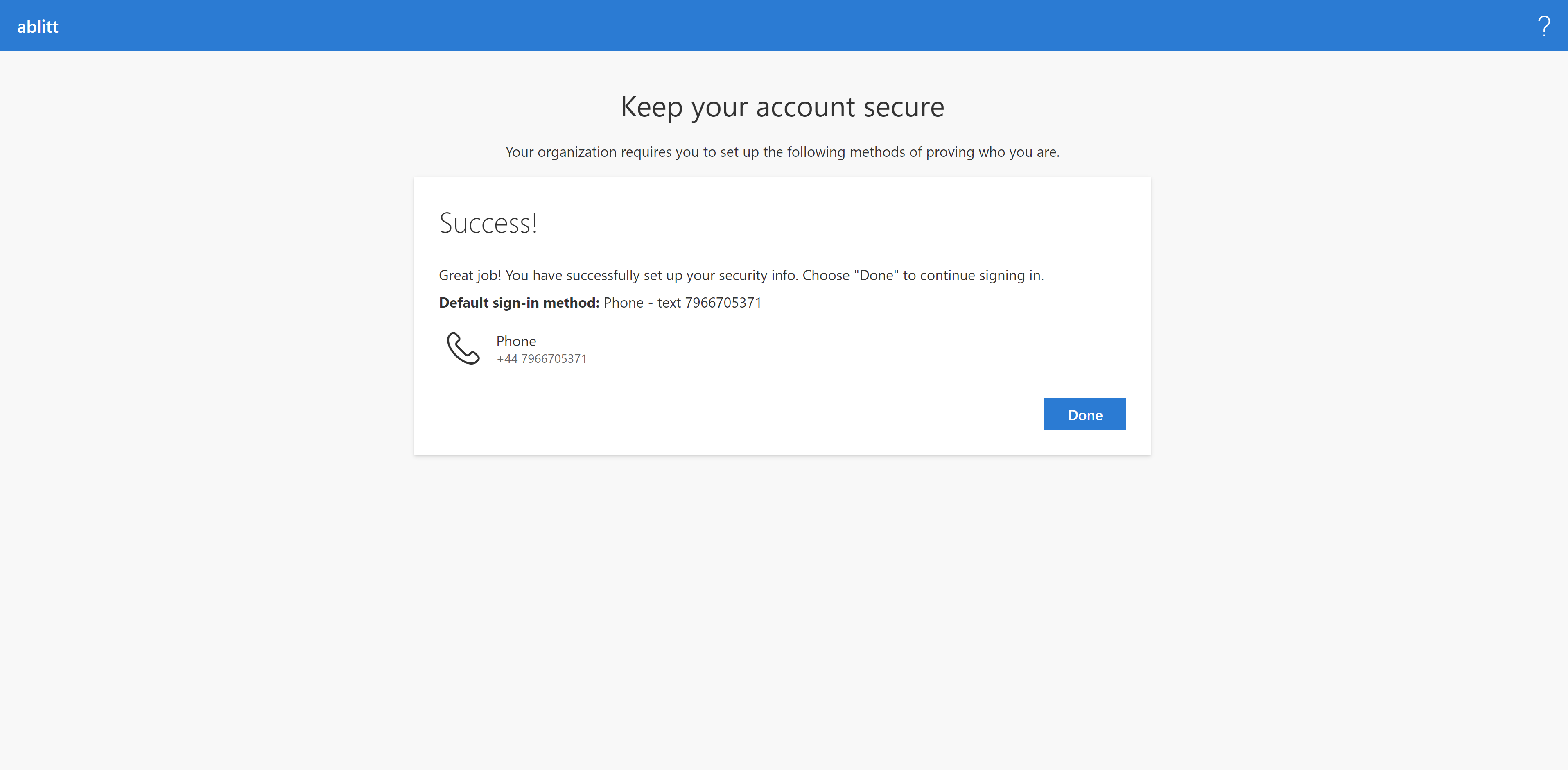
Done
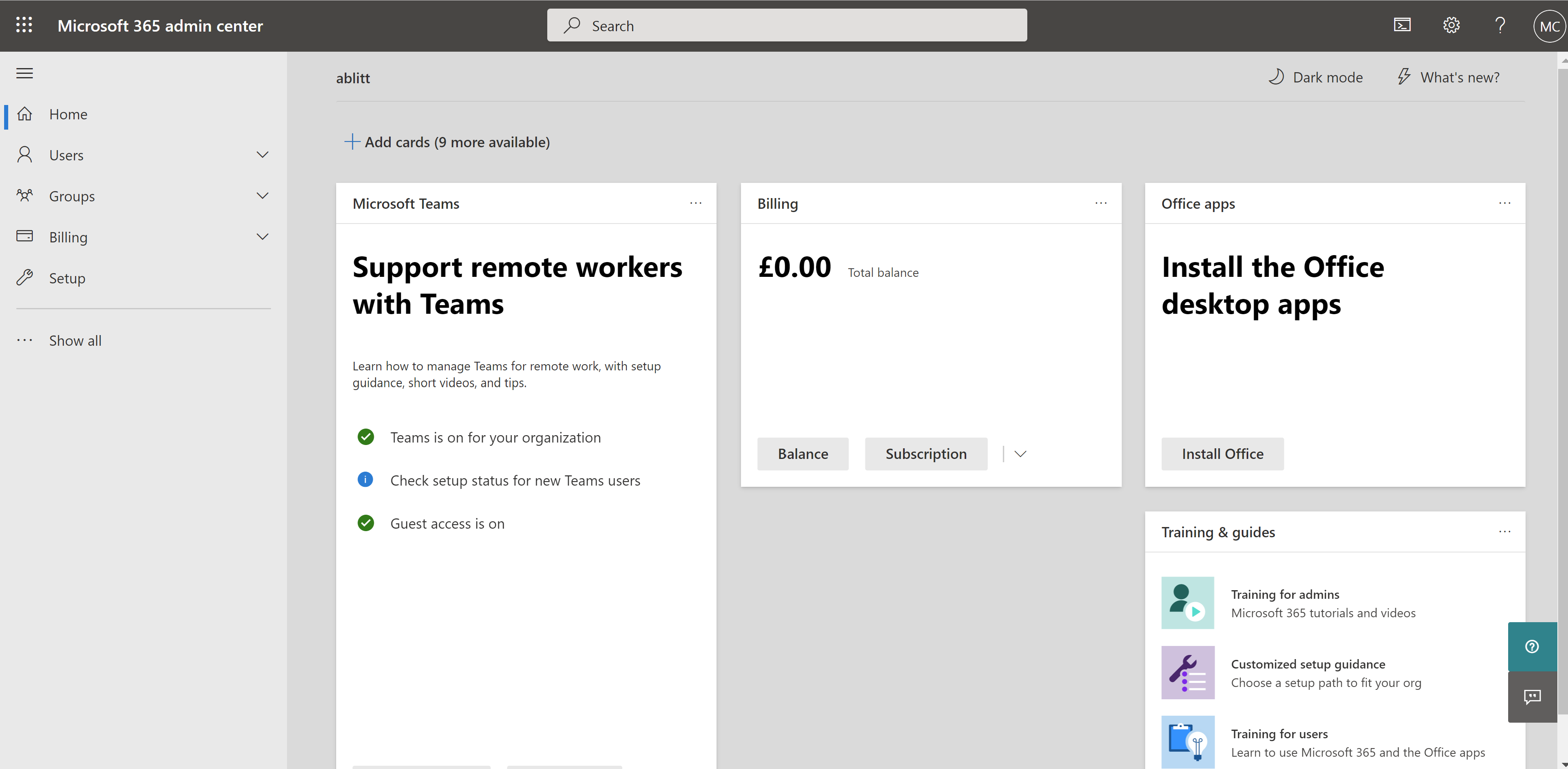
Successfully logged in
General steps
Email to get welcome email with log in details
Load Docker and load Powershell on the user workstation.
These have to be loaded and connected before commands can be run.
Build Container
Navigate to Azure > Container Instances
Find container name created in power shell and select it
Take note of the public IP
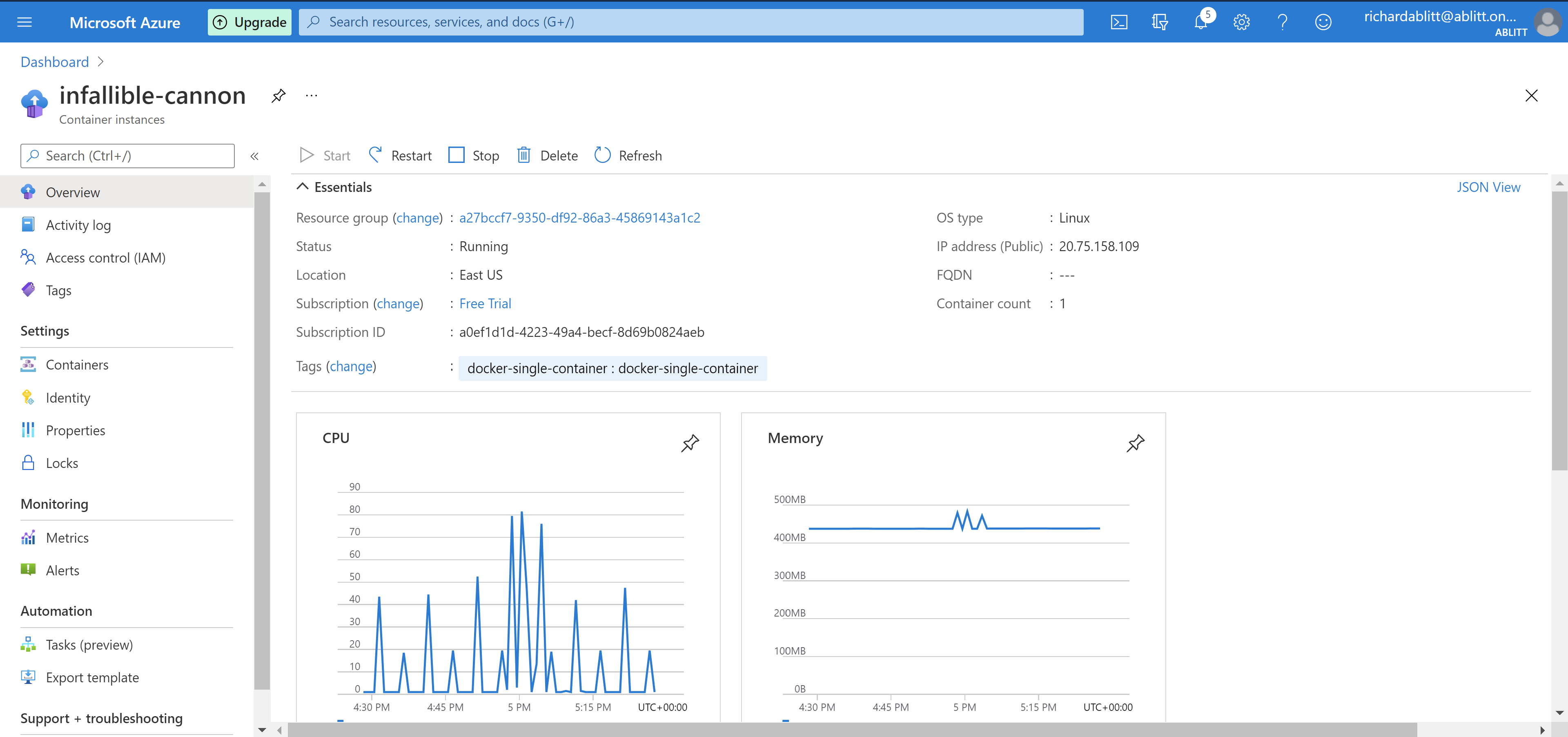
Container name > containers
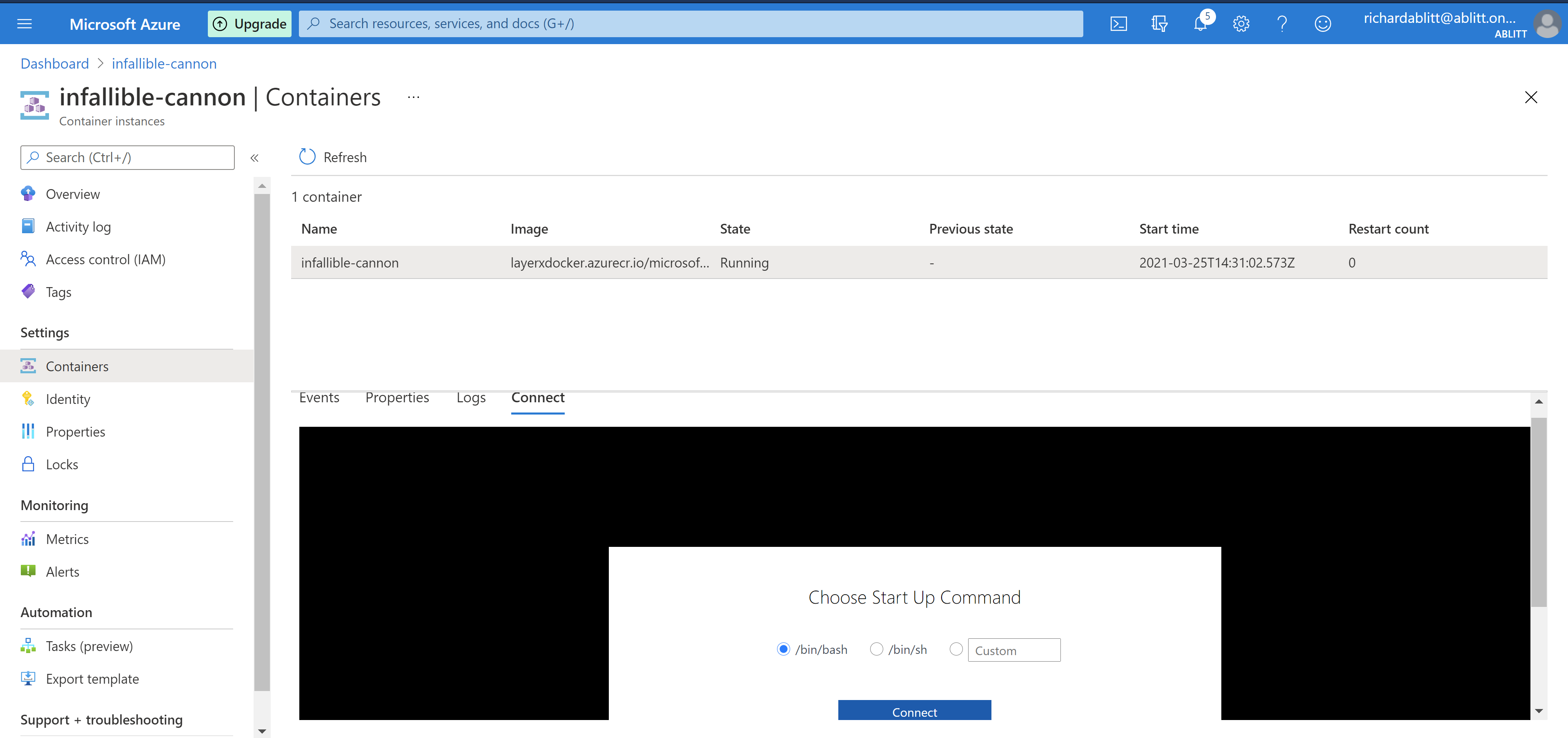
Click connect
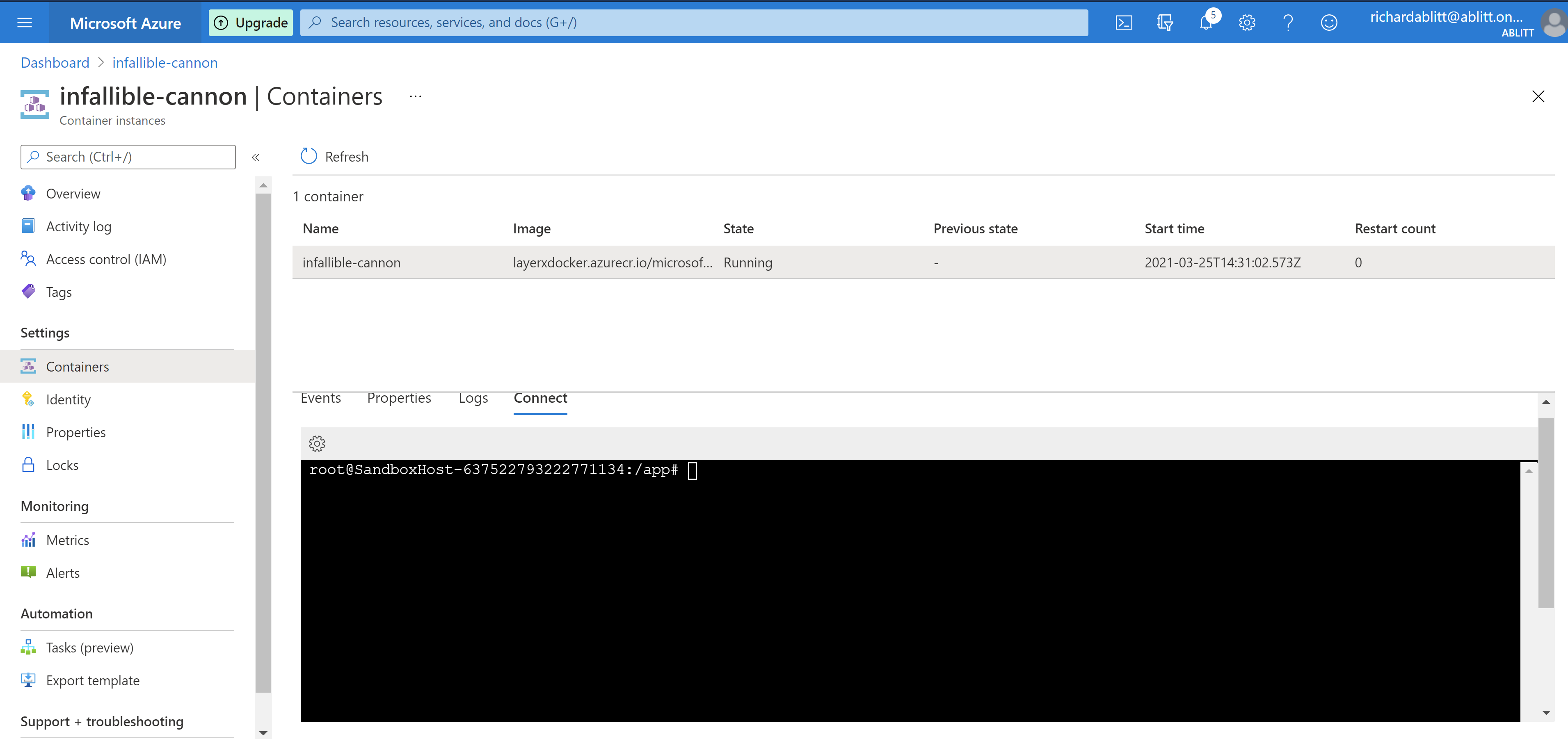
Take the sandbox name and email to Lx to get a user create and associated for logging in to the GUI
Open a New tab:
https://<container public IP:5000>Await the email for user details
Log in to the GUI